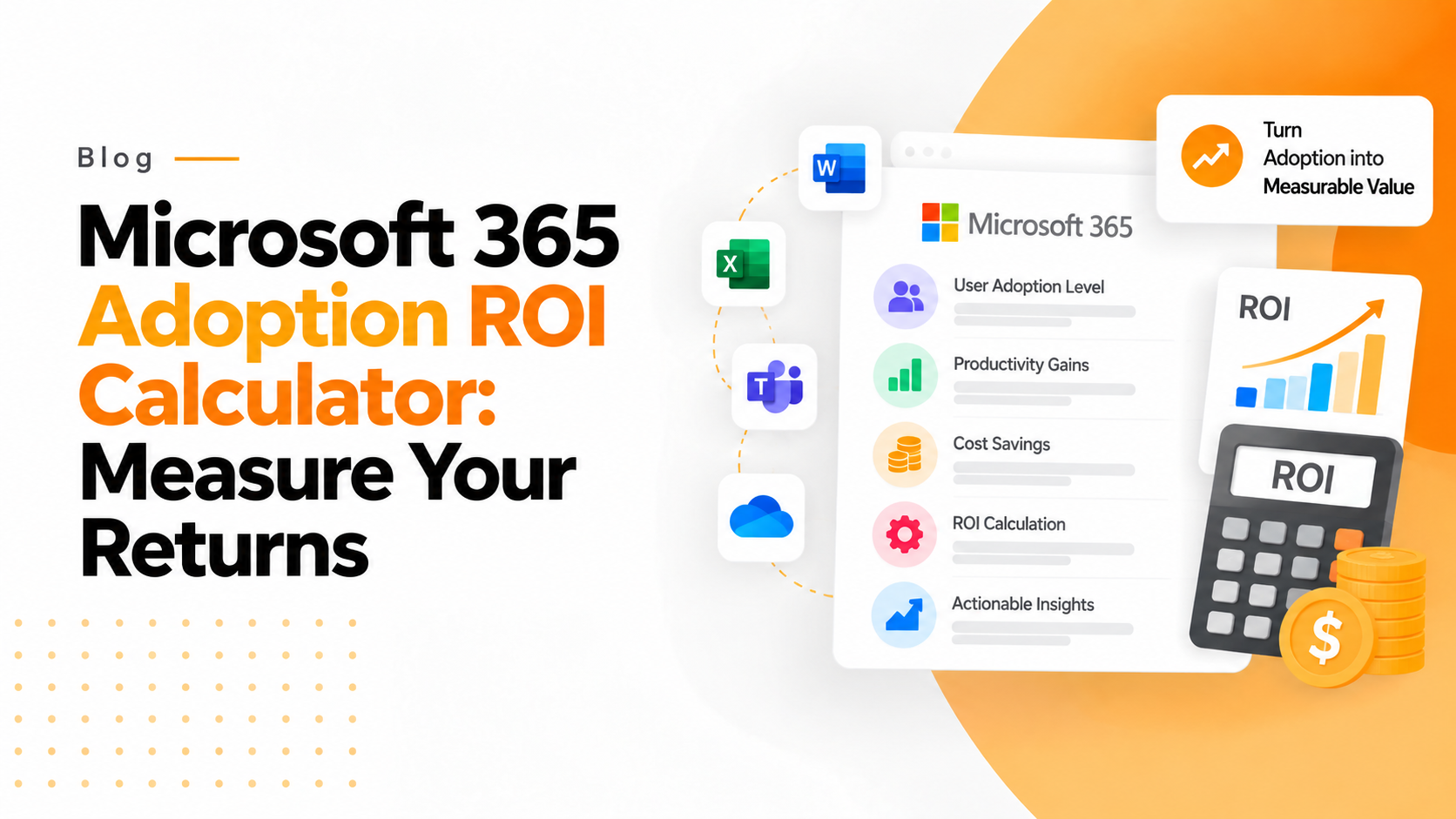

Microsoft 365 Adoption ROI Calculator and how to Establish the Business Value
Digital transformation sounds exciting at recent times, but return on investment is the topmost priority for all leadership teams. Improved email and cloud storage are the benefits of implementing Microsoft 365. Along with it, it has to do with quantifiable financial impact. So, an ROI calculator becomes crucial in this situation.
This article will explain how to compute ROI for Microsoft 365 adoption, which KPIs are most important, and how to effectively communicate the data.
When building a ROI calculator, try to include the below cost elements:
1. Total Licensing Costs
- Monthly cost of each user
- Total number of users
- Annual subscription in total
2. Ongoing Administration
- Time spent on IT management
- Overhead support
3. Migration and its Implementation
- Entire Fees for consultants
- Total IT working hours
- Total Costs that is associated with data migration
- Total Training costs
Beyond calculating subscription costs, Microsoft 365 license optimization can help identify unused or oversized licenses that may be reducing your overall ROI.
Important Benefit Domains to Assess
1. Productivity Gains
Gor higher gains tools are used like:
- SharePoint
- OneDrive
- Microsoft Teams
These tools will reduce the total time spent on:
- Manual approvals
- Total physical meetings
- Searching of Files
- Email sent back and forth
Significant annual savings can result from a 30 minute increase in productivity per employee each week.
Example calculation:
For 52 weeks × 50 employees × 0.5 hours each week × the average hourly rate
2. Low Infrastructure Costs
Organizations that are moving from on-premises servers will usually avoid:
- Backup systems
- Electricity and its cooling
- Maintenance of the Server
- Easy Hardware upgrades
Cloud adoption decreases capital expenditure at a fast rate.
3. Security and Reduction of Risk
Microsoft 365 is the best choice for organisations as it includes:
- Cutting edge and latest threat protection with enough safety
- Enough Compliance tools are there
- Multi factor safety feature is there with a better authentication
4. Low Software Costs from 3rd Party Persons
Most of the companies are replacing with Microsoft 365 as it has:
- Platforms for Video conferencing
- With a built in ecosystem for Microsoft 365’s.
- Project management tools
- Tools for File sharing
ROI Calculator for Microsoft 365
Interactive Microsoft 365 ROI Calculator
Microsoft 365 Adoption ROI Calculator
Estimate financial impact, productivity gains, and break-even timeline
Investment
Annual Benefits
Total Cost
$0
Total Benefit
$0
ROI
0%
Break-even
0 months
An ROI calculator is a structured model that is typically built in Excel or Power BI and it compares:
- Total Investment vs. Total Financial Benefits Over a period Time
The result shows:
- The 1 year and 3 years percentage of ROI
- Total savings
- The Break-even timeline
- The major Cost Factors that must be included
The basic Formula for ROI
The basic formula is as follows:
ROI (in %) = (Total Benefits – Total Costs) ÷ Total Costs × 100
Example:
If 3 year benefits = 300,000$
Total 3 year cost = 150,000$
ROI = 100%
Meaning the investment has always doubled its value.
Sample ROI Breakdown for a Mid-Size Company
Number of Employees: 75
Annual License Cost: 18,000$
Migration Cost for One-Time: 25,000$
The Estimated Annual Benefits is as follows:
- Infrastructure savings: $15,000
- Total Annual Benefits: $95,000
- Productivity savings: $60,000
- Eliminated tools: $20,000
Break-even point: Under 1 year.
How to Present ROI to any Leadership
When plunging Microsoft 365 adoption:
- Focus on the total assessable productivity
- Highlight risk mitigation value
- Executives answer to long term financial vision and clarity.
- Highlight cost alliance
- Shows the complete break-even timelines
- Provide a complete 3-year projection
How to Build Your Own ROI Calculator
You can build Your Own ROI Calculator using:
- Power Apps for an interactive internal tool
- Excel with a structured formula
- Power BI dashboard for complete visual reporting
Key calculator inputs:
- Productivity improvement in %
- Tool consolidation saving
- IT infrastructure saving
- Total Number of users
- Average hourly salary
Final Outputs:
- 3 year ROI %
- Net annual savings
- Break-even month
Why ROI Plays a Major Role in Microsoft 365 Adoption
Top Organizations often switch to Microsoft 365 for:
- Lower infrastructure costs
- Remote work possibility
- Cloud collaboration
- Security developments
- Productivity gains
Organizations can also use Microsoft’s Microsoft 365 adoption guidance to support rollout planning, user adoption, and long-term value realization.
However, without any structured measurement, the value still remains unclear. An ROI calculator easily converts “we think it is helping” into a clear and precise monetary proof.
Conclusion
Using Microsoft 365 in recent times is not just an expertise decision but it is the best financial strategy. An ROI calculator will give transparency, self-confidence, and computable proof of impact for all organizations. Instead of asking: “Can we pay for Microsoft 365?” try to ask the better question: “Can we afford not to Microsoft 365?”