Mateo Luis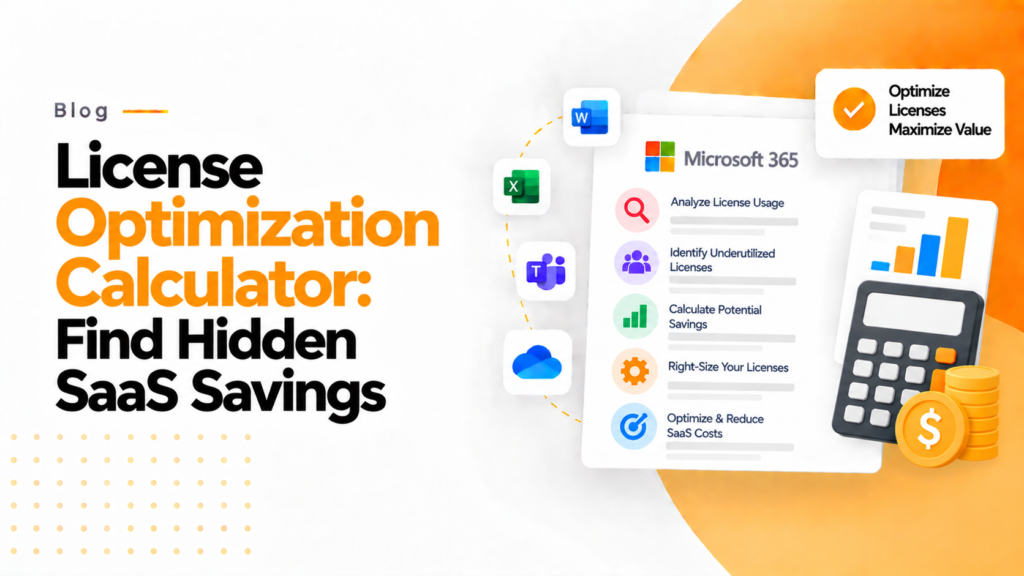
Key takeaways
- Right-sizing moves a user to the license tier that matches their use, such as an E5 user who only needs email and documents.
- Review license tiers before each renewal: a tier chosen when someone joined often outlasts the job it was chosen for.
- A right-sizing calculator turns usage data into a savings figure, for example ₹240,000 from moving 15 users to lower cost licences.
In today’s SaaS-driven economy, organizations are increasingly investing in subscription-based tools without fully understanding their actual usage. While these tools promise efficiency and scalability, they often come with hidden costs that go unnoticed. One of the most effective ways to uncover and control these costs is through a License Optimization (Right-Sizing) Calculator. This article explores how businesses can transform hidden SaaS waste into measurable savings using this approach.
License right-sizing calculator Estimate what you save by moving users to a lower-cost plan and removing licenses from inactive users. An estimate from the figures you enter. Nothing you type leaves this page.
The License Optimization (Right-Sizing) Calculator is a means of taking a visual representation of how much ‘wasted’ SaaS subscriptions cost and turning that into a real figure on how much could be saved.
In today’s world, given that the majority of software is being leased through some form of a subscription service and not as per usage or through a traditional licensing model, software licensing is now one of the highest hidden costs within an organization. Even though there may be considerable investments associated with Microsoft 365, CRM, and Collaboration tools, companies do not often ask themselves one very simple question: are we using what we pay for?
That is where the License Optimization (Right-Sizing) Calculator fits into the equation. Not just as a means of tracking usage but as a vehicle to provide companies with a measurable return on their investment (ROI) associated with efficiency. When implemented as part of your overall approach to a solution like 365TUNE, the License Optimization (Right-Sizing) Calculator becomes an invaluable piece of analysis supporting decision-making in terms of regaining control of SaaS expenditure.
The Hidden Expense of Overly-Licensed Software
Many licenses for Software-as-a-Service (SaaS) applications are either not being used or are being used far below their full potential. Depending on the size of an organization, the result could be millions (or even hundreds of millions) in wasted licenses every year.
In addition to unutilized and underutilized software licenses, another area for waste exists in the misallocation of software licenses. For example, an end-user with a high-end Microsoft 365 E5 software license may only be using the basic e-mail and document features, which could easily be handled by a much lower-tier software license.
Organizations can compare Microsoft 365 licensing options and their available features to determine whether users are assigned plans that match their actual requirements.
Aligning the actual use of an organization’s software with the correct license type is known as “right-sizing” and is very difficult to do without a defined process that analyzes usage versus appropriateness of a software license.
What Is a License Optimization Calculator?
The License Optimization Calculator is an analytical tool that automates the evaluation of:
Distribution of licenses to users
Actual usage of software
Cost of each level of software license
Effective opportunities for license downgrades and redistribution
Rather than going through a manual process of auditing spreadsheets, the License Optimization Calculator automates the entire process and provides an organization with the detailed information necessary to make those changes.
When the License Optimization Calculator is incorporated into 365TUNE, it becomes even more impactful because it will analyze Microsoft 365 services and offer specific recommendations based on the individual organization’s structure and growth phase.
How 365TUNE Enhances Right-Sizing
Instead of a one-time audit, 365TUNE delivers license optimization using a complete, dynamic, and evolving system. As changes in user behavior happen, 365TUNE will monitor licensing and automatically notify users if there are any inefficiencies and/or if they are eligible for reducing their licensing fee.
Companies that adopt continuous SaaS optimization practices keep waste down instead of letting it build up between audits. This is both from a cost-savings approach and an operational approach.
365TUNE supports this philosophy by ensuring that you have a continuous process for determining licensing needs, as opposed to treating it as a one-time task.
Making use of data as a means of making decisions
Many companies struggle to convert the growing amount of data being collected every day into actionable reports. These challenges stem from either the complexity of the information retrieved or the fact that no connection exists between their findings and the financial benefit to the business. Because of this, many of the wrong things are reported, and most licence reports are never acted upon or simply do not get found.
Comprehensively building an effective calculator that helps users convert usage or consumption data into more simplified interpretations, or insights, such as:
A savings estimated at ₹240,000 from moving to 15 lower-cost user licences; or
An indication that a total of 10 users have shown no license activity for over 60 days.
Clarifying the reporting data sets and converting them into simplified terms makes it easier for users to interpret and demonstrates to the end users the tools available to them to act accordingly, so they can feel comfortable making those decisions.
Companies that use data-driven cost prediction tools can plan their IT spending more accurately, which gives those organisations a competitive advantage.
Why Right-Sizing Is a Strategic Move
While optimising utilisation of user licences results in reducing costs, optimising the use of user licences results in optimising how efficiently a company’s resources are allocated. The proceeds from these optimised licence costs can be used to invest in growth initiatives such as:
Upgrading key pieces of technology for your highest-performing employees
Implementing new and enhanced training programs for your employees
Adding digital capabilities
In other words, right-sizing does not mean reducing value; it means redistributing that value to areas that require it most.
This is a particularly crucial point for start-ups or companies that are currently growing. For each rupee saved on unnecessary user licence activity, that rupee can be put towards expanding the company’s operations.
The Evolution of Administering SaaS Expenses
Businesses have transitioned to using SaaS software for all of their products and services. As more businesses utilize SaaS solutions (Software as a Service), the complexity associated with effectively managing software licenses will increase for all organizations. The days of using old-fashioned spreadsheets and periodically auditing licenses to track software usage are over. New intelligent solutions will emerge in the future to support companies when administering their software licenses. 365TUNE is a good example of this new type of solution: intelligent platforms that use automation, analytics, and continuous monitoring of all of your company’s software licenses to provide you with the information needed to manage your software licenses effectively.
The 365TUNE License Optimization Calculator is just one reference point to use to establish an effective data-based system for managing your SaaS expenses.
Conclusion
Wasted SaaS licenses are often hidden yet still exist constantly, causing businesses to incur unnecessary financial losses. In many instances, companies without the right tools are wasting money on mismanaged software licenses without even realising they are doing so. By leveraging the capabilities of the 365TUNE License Optimization calculator, wasted software license expenses can become a true opportunity for savings. Every business today will benefit from a SaaS expense management program by gaining clarity, control, and confidence from the information they receive. In an environment where every dollar is valuable, implementing a formalised SaaS expense management program will benefit your company.
Frequently asked questions
What does right-sizing Microsoft 365 licenses mean?
Right-sizing means moving each user to the license tier that matches what they actually use, rather than removing licenses outright. A common case is moving someone from E5 to E3 when they only use email, Teams and the Office apps.
How does a license optimization calculator estimate savings?
It multiplies the number of users who could move to a cheaper plan by the monthly price difference, then by 12 for the year. Moving 15 users to a plan that costs $21 less per month saves 15 x $21 x 12, or $3,780 a year.
How can I check which E5 features a user actually uses?
Start with the usage reports in the Microsoft 365 admin center, which show per user activity in Exchange, OneDrive, SharePoint and Teams over 7 to 180 days. Then check Defender, Purview and Power BI activity to see whether the user relies on anything only E5 provides.
How often should I right-size Microsoft 365 licenses?
Review assignments at least quarterly and always before a renewal, because annual subscriptions can normally only be reduced at the renewal date. Monthly checks catch leavers and role changes sooner.