Mateo Luis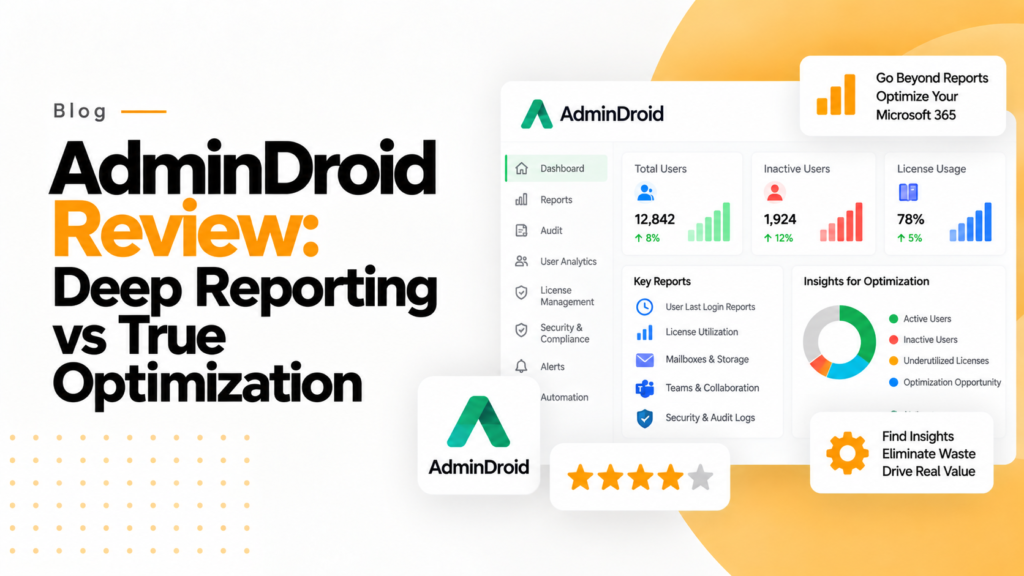
Key takeaways
- AdminDroid uses AI to flag unusual sign-in behavior, such as a login pattern that differs from most users, to help admins spot potential threats.
- AdminDroid suits compliance officers who need a historical audit trail, while 365TUNE suits teams acting on license costs and security settings.
- 365TUNE checks Microsoft 365 tenant settings against more than 300 controls from the CIS and CISA SCuBA baselines on every scan.
AdminDroid is a Microsoft 365 and Active Directory reporting tool with more than 3,000 prebuilt reports, audit logs, alerts and dashboards. It suits teams that want deep reporting; 365TUNE instead puts a cost on unused licenses and checks security settings against CIS and CISA SCuBA baselines.
In the Microsoft 365 ecosystem, native dashboards often provide limited security monitoring, compliance, and user management capabilities. This gap has led many IT professionals to seek a comprehensive AdminDroid Review to understand how third-party tools can improve visibility. While AdminDroid has established itself as an industry leader in static reporting, the role of IT is evolving from simple activity monitoring to active system tuning. Because of this shift, new tools like 365TUNE (365tune.com) have emerged to challenge the status quo by connecting Microsoft 365 data to license costs and security posture alongside standard reporting.
The AdminDroid Review Proposition: Visibility Above All
In this article, we will evaluate what AdminDroid has to offer and compare it to 365TUNE to determine which is better suited to the modern administrator.
AdminDroid is marketed as the all-in-one solution for Microsoft 365 reporting and analytics. Its strength lies in its ability to provide an extensive amount of data. It is intended for those administrators who require a very detailed level of Security analysis and have found that Microsoft tools do not provide enough detail.
What are AdminDroid’s key features and strengths?
- Large Report Library: AdminDroid offers more than 3,000 reports, including reporting on Microsoft Entra ID (formerly Azure AD), Exchange Online, SharePoint, Teams and Intune. If you’re looking for a way to understand everything that’s happening with your users and your environment, AdminDroid has a report for you.
- Centralized Audit Logs: AdminDroid combines data from Microsoft 365 audit logs, including sign-ins, permission changes, mailbox activity, and other events, into a more accessible reporting format.
- Artificial Intelligence Analytics: AdminDroid uses AI to detect unusual behavior based on user activity, which would include identifying when a user has a login pattern that’s different from that of most users. This allows AdminDroid to provide your administrators with information to help them to identify potential threats.
- MSP: Managed Service Providers will benefit from using AdminDroid, which supports multi-tenancies, providing separate dashboards and automated reports for their clients.
What is AdminDroid’s main drawback?
While AdminDroid is very powerful, this Review must highlight that it is primarily a reporting tool. It delivers 360-degree Visual Insights and Heat Maps, but acting on those findings is left largely to the administrator. For example, an AdminDroid Review will identify an issue, such as failed logins or deleted files, but it provides little guidance on how to resolve the issue.
This is the gap 365TUNE is built to fill: instead of stopping at audit data, 365TUNE puts a cost on unused and underused licenses and checks security settings against CIS and CISA SCuBA baselines on every scan. Ultimately, any thorough AdminDroid Review shows that while legacy tools are good for looking at past events, a modern Review will always reveal the need for active optimization.
The alternative: why 365TUNE is the next step
This is where comparing 365TUNE to AdminDroid becomes particularly relevant. Whereas AdminDroid is designed to help you with reporting and compliance, 365TUNE is designed for license cost optimization and security posture. For most IT departments, generating a PDF report isn’t the primary goal; the primary goal is to act on what the data shows. Below are some examples of how utilizing 365TUNE is typically a better choice for Operational Teams than AdminDroid:
- Optimization vs observation: While AdminDroid reports on what people do in Microsoft 365, 365TUNE shows what that activity costs. It flags inactive and overprovisioned licenses with their cost so you can reclaim or downgrade them.
- Security insights: AdminDroid’s AI does an excellent job of identifying suspicious activity such as impossible travel incidents. 365TUNE approaches security from the configuration side: it checks tenant settings against 300+ controls from the CIS and CISA SCuBA baselines on every scan.
- Cost context: AdminDroid provides alert notifications through email or webhooks for any issues encountered. 365TUNE attaches a cost to findings such as unused licenses, so administrators can prioritize the changes that save the most rather than just tracking them.
Its Microsoft 365 license optimization tool turns each finding into a ranked change, such as an E5 to E3 downgrade, with the monthly saving next to it.
Final verdict: AdminDroid reporting vs 365TUNE optimization
AdminDroid continues to be an ideal tool for Compliance Officers that want a historical audit trail in addition to Security Teams that are focused only on identifying patterns of potential threats. Conversely, 365TUNE is the best option for:
- IT administrators who need license and security findings with a cost attached.
- Operational Teams that are interested in fixing issues, as opposed to merely reporting them.
- MSPs that wish to benchmark license use and security posture across multiple tenants with maximum efficiencies.
Ultimately: AdminDroid will provide administrators with a large quantity of reports; however, 365TUNE offers greater value when the goal is cutting license spend and tightening security settings. While AdminDroid mainly reports on an administrator’s Microsoft 365 environment, 365TUNE helps improve its cost and security posture.
Frequently asked questions
Is AdminDroid just a reporting tool?
Mostly. Its core strength is reporting and auditing, with alerts by email or webhook, and it also offers some management and automation features. Deciding what to change based on cost or configuration is largely left to the administrator.
What is impossible travel in Microsoft 365?
Impossible travel is a risk detection raised when one account signs in from two locations too far apart to travel between in the time elapsed. Microsoft Entra ID Protection and Defender for Cloud Apps both flag it.
What are the CIS and CISA SCuBA baselines?
They are published security configuration standards for Microsoft 365. The CIS Microsoft 365 Foundations Benchmark comes from the Center for Internet Security, and the SCuBA baselines come from the US Cybersecurity and Infrastructure Security Agency.
Can 365TUNE replace AdminDroid?
Not entirely. 365TUNE focuses on license cost and security posture, while AdminDroid offers a much larger report library for auditing and investigation. Some teams run both.