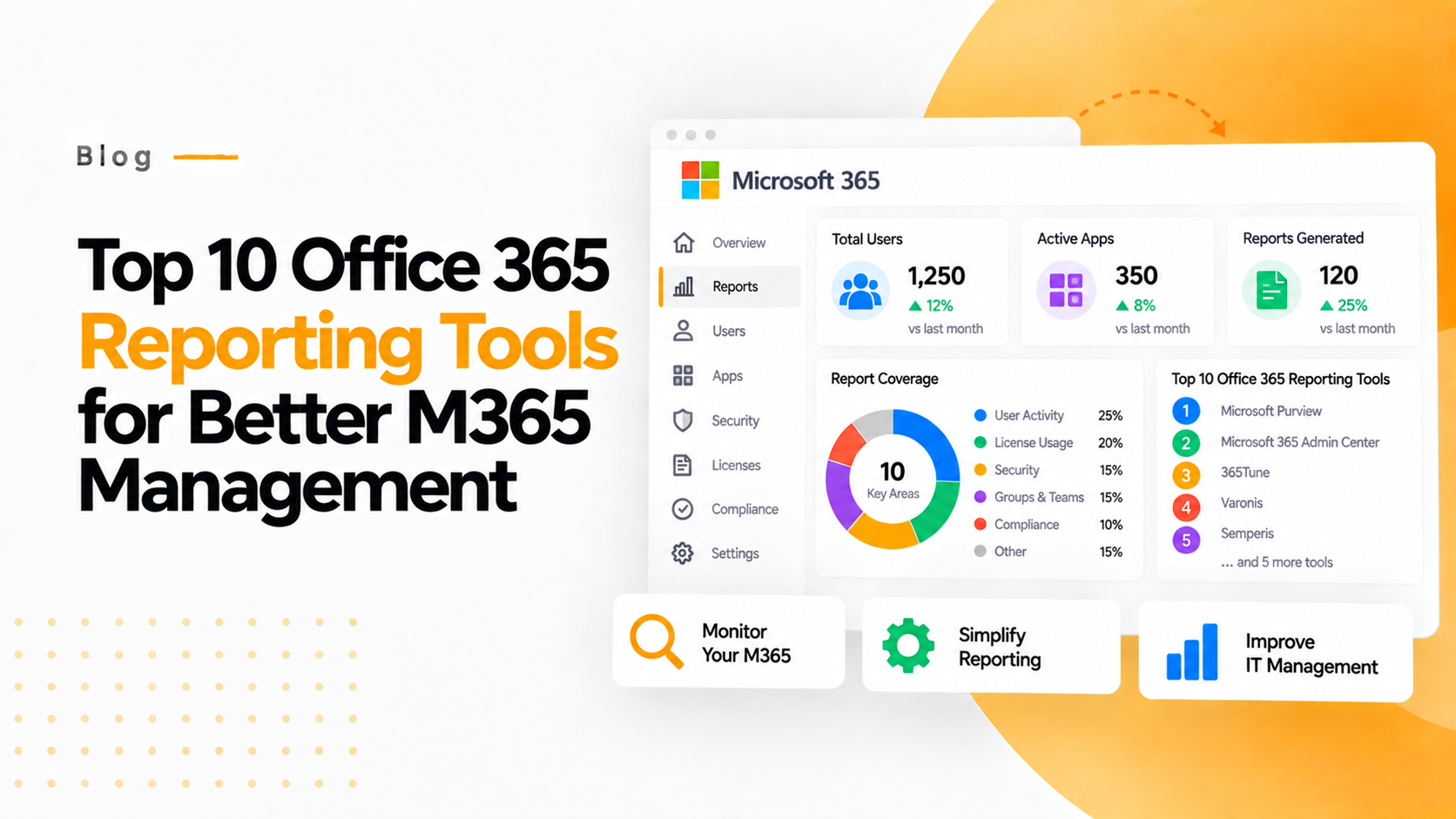

In today’s fast evolving digital environment, Office 365 has become the backbone for seamless teamwork, collaboration, communication and business productivity. Here we are going to discuss the top 10 office 365 reporting tools. The Top 10 Office reporting tools include both native Microsoft tools and third-party solutions.
1. 365TUNE
365TUNE is an advanced Microsoft 365 reporting and optimization platform built for IT leaders, finance teams, and administrators who want deeper visibility into licensing, usage, security, and costs. Unlike traditional tools that focus only on activity logs or admin reports, 365TUNE blends financial analytics, license intelligence, cost centres, security insights, and predictive modeling—all in a single dashboard.
Key Features
➢ Real-Time License Usage — Identify inactive, underutilized, or over-allocated licenses instantly.
➢ Financial Reporting & Cost Allocation — Allocate license costs to departments, projects, or cost centers with precision.
➢ AI-Driven License Optimization — Get automated suggestions to reduce overspend and align subscriptions with real usage.
➢ Security & Compliance Analytics — Monitor access logs, suspicious activity, and compliance posture.
➢ Automated Reporting — Generate customizable usage, cost, and security reports on schedule.
➢ Hybrid & Multi-Tenant Support — Ideal for enterprises and MSPs managing multiple clients.
Benefits
➢ Save thousands in license overspend through data-driven optimization
➢ Improved visibility into user-by-user consumption and cost
➢ Faster decision-making with unified dashboards for IT and finance
➢ Enhanced security posture with detailed access and compliance audits
➢ Eliminate spreadsheets and manual reporting workflows.
2. ManageEngine Office 365 Manager Plus
Manage Engine Office 365 Manager Plus is a web-based tool for managing, reporting, auditing, and monitoring your Microsoft 365 (formerly Office 365) environment.It aims to fill the gaps in the native Microsoft 365 Admin Centre — especially bulk management, historical auditing, detailed reports and alerting. It provides a single console for admins to handle users, mailboxes, groups, licenses, audit logs, service health, alerts and more.
Key Features
➢ Pre-built Reports & Dashboards
➢ Bulk Management
➢ Auditing & Alerting
➢ Service Health & Monitoring
➢ Helpdesk Delegation & Role-Based Access
➢ Export or Schedule Reports
➢ Automation
Benefits
➢ Improved visibility and control
➢ Efficiency-gains and automation of routine tasks
➢ Security, compliance & audit readiness
➢ Better service health, usage, and adoption insights
➢ Cost-effective for mid to large organisations
Editions of ManageEngine Office 365 Reporting Tools Manager Plus
➢ Trial (Evaluation) Edition
➢ Free Edition
➢ Standard Edition
➢ Professional Edition
3. Netwrix Auditor for Office 365
Netwrix Auditor is a visibility/auditing platform designed to give organizations comprehensive insight into user activity, configuration changes, permissions, and access across cloud and hybrid environments. Its Office 365targeted component provides deep auditing/monitoring for Exchange Online, SharePoint Online, OneDrive for Business, Azure AD (Entra ID) etc.
Key Features
➢ Change-Auditing & Configuration Tracking
➢ Permissions & Access Visibility
➢ Data Access Monitoring & Threat Detection
➢ Out-of-the-box Compliance Reporting
➢ Unified View for Hybrid Environments
➢ Interactive Search & Investigation
Benefits
➢ Enhanced security and threat detection
➢ Streamlined compliance and audit readiness
➢ Reduced admin/IT workload
➢ Unified oversight
➢ Governance of permissions and licences
Core Functionalities
➢ Exchange Online Auditing
➢ SharePoint Online & OneDrive for Business Monitoring
➢ Microsoft Teams Activity Monitoring
➢ Microsoft Entra ID (formerly Azure AD) Auditing
Deployment Models
➢ On-Premises Deployment
➢ Cloud Deployment
➢ Hybrid Deployment
Licensing Model
➢ Mailbox Accounts
➢ Non-Mailbox Accounts
4. Semisoft Office 365 Manager
Specmasoft Office 365 reporting Tools Manager is a comprehensive Microsoft 365 management and reporting tool designed to simplify administrative tasks for IT teams. It offers a user-friendly interface for managing users, licences, groups, and security settings across Microsoft 365 services.
Key Features
User & License Management
Group Management
Microsoft Teams Management
Exchange Online Reporting
Bulk Operations
Security & Compliance
Types and Deployment Options
➢ Allows installation on a single computer and supports managing multiple Microsoft 365 tenants.
➢ Supports installation on multiple computers and is suitable for organizations with larger administrative teams.
5. SolarWinds Server & Application Monitor — Office 365 reporting module
SolarWinds Server & Application Monitor (SAM) provides a strong Office 365 reporting module designed to provide comprehensive monitoring and reporting capabilities for Microsoft 365 services.
Key Features
➢ Exchange Online Monitoring
➢ Microsoft Teams Analytics
➢ OneDrive for Business Insights
➢ SharePoint Online Monitoring
➢ Skype for Business Usage Reporting
➢ License and Group Statistics
Benefits
➢ Proactive Monitoring
➢ Comprehensive Insights
➢ Customizable Reporting
➢ Seamless Integration
6. Enterprise Reporter for Office 365
Enterprise Reporter for Office 365 is a comprehensive reporting and auditing tool constructed to enhance visibility, security, and compliance across Microsoft 365 environments. It offers detailed insights into user access, permissions, configurations and licensing, facilitating informed decision-making and efficient management of Office 365 resources.
Key Features
➢ Security & Compliance Reporting
➢ Microsoft Teams Management
➢ OneDrive for Business Insights
➢ Exchange Online Auditing
➢ Azure Resource Visibility
Reporting Capabilities
➢ Azure AD
➢ OneDrive for Business
➢ Exchange Online
➢ Azure Resources
➢ Subscription & Licences
➢ Hybrid
7.InfraSOS Office 365 Reporting & Auditing Platform
InfraSOS Office 365 Reporting & Auditing Platform is a comprehensive, cloud-based solution designed to provide in-depth visibility and control over Microsoft 365 environments, including Azure AD. It provides over 1,000 pre-built and customizable reports, facilitating compliance, security and operational efficiency for organizations of all sizes.
Key Features
➢ Generate reports on user activities, group memberships, licensing, and MFA status.
➢ Monitor password policies, authentication methods, and identify risky or compromised accounts.
➢ Audit Azure AD roles, admin assignments and application permissions.
➢ Track OneDrive, Exchange Online, SharePoint and Teams usage to identify inactive or underutilized resources.
➢ Identify unlicensed or over-licensed users to optimize subscription costs.
➢ Utilize a drag-and-drop report builder to tailor reports based on specific attributes and timeframes.
➢ Automate report generation and delivery via email in formats like CSV, PDF, XLSX and HTML.
➢ Manage and report across multiple Azure AD tenants seamlessly.
Benefits
➢ Enhanced Security Posture
➢ Regulatory Compliance
➢ Operational Efficiency
➢ Cost Optimization
➢ Scalability
8. Power BI / Custom Reporting
Power BI is a business analytics service by Microsoft that allows organizations to visualize data, share insights and make informed decisions. These reports integrate data from multiple sources like Excel, SQL Server, Azure, SharePoint and third-party applications. The custom reporting aspect of Power BI enables users to design tailored reports and dashboards that meet specific business needs.
Key Features
➢ Data Integration
➢ Interactive Visualizations
➢ Advanced Data Modelling
➢ Collaboration and Sharing
➢ Scheduled and Automated Reporting
➢ Mobile Accessibility
➢ Custom Reports and Dashboards
➢ Custom Alerts and Notifications
➢ Integration with Microsoft 365 and Azure
Benefits
➢ Data-Driven Decision-Making
➢ Enhanced Visibility
➢ Time Efficiency
➢ Cost Optimization
➢ Improved Collaboration
➢ Scalability
➢ Compliance and Security
➢ Flexibility and Customization
➢ Predictive Analytics
9. Vyapin Microsoft 365 Reporting Tools
Vyapin Microsoft 365 Reports is a comprehensive reporting and analytics solution designed to enhance the administration, governance, and planning of Office 365 environments. This tool offers over 200 pre-built reports, eliminating the need for PowerShell scripting and provides automated actionable insights directly to your desktop.
Key Features
➢ Comprehensive Reporting
➢ Automated Scheduling
➢ Customizable Dashboards
➢ Licence Management
➢ User Activity Monitoring
➢ Security & Compliance Auditing
➢ Export Options
Benefits
➢ Enhanced Visibility
➢ Cost Optimization
➢ Improved Security
➢ Simplified Compliance
➢ Time Savings
10. Orchestry M365 Intelligent Insights
Orchestry M365 Intelligent Insights is a comprehensive governance and reporting platform designed to enhance the management of Microsoft 365 environments. This enables IT administrators and business leaders to make informed decisions, optimize resources and ensure security and compliance. It provides organizations with deep visibility into usage, activity, lifecycle status and trends across Microsoft Teams, SharePoint and Viva Engage.
Key Features
➢ Usage and Activity Metrics
➢ Lifecycle Status Tracking
➢ AI-Driven Insights
➢ Actionable Guidance
➢ Guest Access Monitoring
➢ Compliance Reporting
➢ Trend Analysis
➢ Data Sprawl Detection
➢ Security Risk Assessment
➢ Inactive Workspace Identification
Benefits
➢ Enhanced Visibility
➢ Improved Security
➢ Operational Efficiency
➢ Cost Optimization
➢ Regulatory Compliance