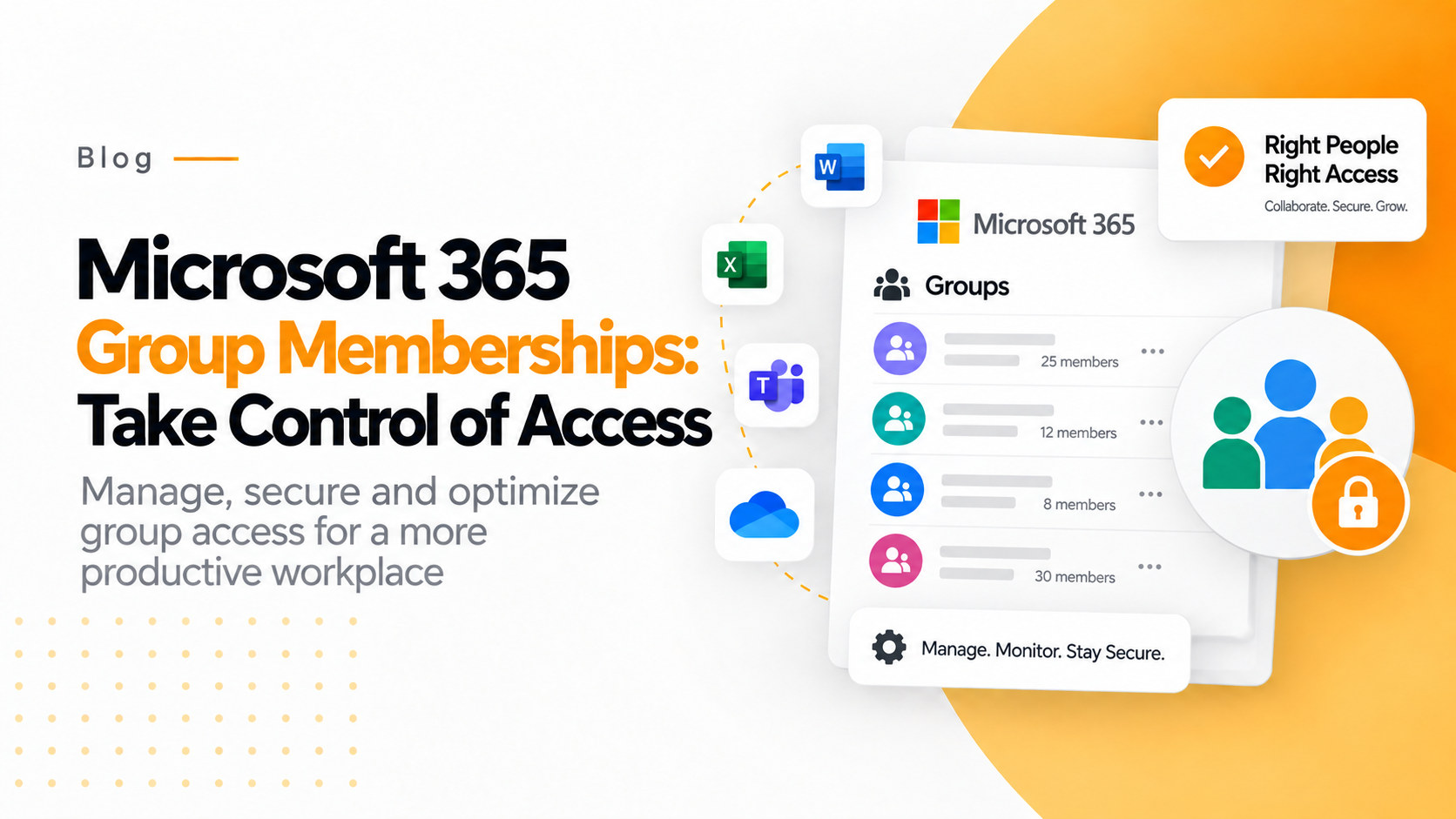

Groups are the backbone of access, security, and configuration in modern Microsoft 365 environments. From assigning licenses and applications to enforcing Intune policies and controlling data access, everything revolves around group membership, including Microsoft 365 Group Membership.
Understanding who belongs to which group and why remains unnecessarily complex for many Microsoft 365 and Intune admins. Native portals are scattered, PowerShell scripts are time-consuming, and nested memberships often hide the real impact of the challenges.
By reading this article, we can understand why group membership visibility matters. We also understand the challenges admins face and how tools like 365Tune simplify Microsoft 365 group management without complexity.
Understanding Microsoft 365 Group Membership helps in managing user roles effectively.
NEED FOR GROUP MEMBERSHIPS
Microsoft 365 Group Membership is essential for streamlining access and enhancing security.
Microsoft 365 groups are not intended for lists of users. But also directly controlled.
-
Access to applications and data
-
Intune configuration profiles and compliance policies
-
Conditional access rules
-
License assignments
-
Security boundaries
A single group membership can determine whether a user:
-
Receives a device configuration
-
Gains access to sensitive applications
-
Is included or excluded from security policies?
When group visibility is poor, even a small mistake can lead to vulnerable user data, security gaps, or policy misconfigurations. In large environments, admins typically inherit complex group structures built over years. Without clear insight, managing these groups becomes risky and inefficient.
CHALLENGES WITH GROUP MEMBERSHIP MANAGEMENT:
-
Too many groups
Microsoft 365 environments are growing fast. Over time, administrators get:
-
Multiple security groups
-
Microsoft 365 Groups
-
Dynamic groups
-
Nested groups
Finding the right group becomes difficult, especially when the names do not clearly describe their purpose.
-
Nested memberships
Nested groups are powerful but dangerous when not documented properly. A user may not be a member of a group, but inherit access from another group. This makes access to information extremely challenging.
-
Manual and fragmented checks
Admins often switch between
-
Entra ID (Azure AD)
-
Intune portal
-
Microsoft 365 Admin Center
-
PowerShell scripts
This fragmented approach slows down investigations and increases the risk of missing critical dependencies.
-
Lack of context
Native tools show membership, but not always against impact. Admins may see that a user is part of a group, but may not understand why.
-
Which policies apply?
-
Which apps are assigned?
-
What configurations are enforced?
LIMITATIONS OF NATIVE MICROSOFT TOOLS
Microsoft provides powerful tools, but has limitations when it comes to group visibility at scale.
Scattered views
Each portal focuses on a specific area.
-
Entra ID shows identities
-
Intune shows device and policy assignments
-
Microsoft 365 admin centre handles licenses
There is no single, unified view that connects groups to their real-world impact.
Time-consuming troubleshooting
Why does this user have access?
Which group applies this policy?
To answer the above questions, multiple clicks, exports, or PowerShell commands are needed.
Not scalable for large environments
Manual checks can be useful for small tenants. But for enterprises with thousands of users and groups, native tools quickly become inefficient.
365 TUNE BRINGS CLARITY TO GROUP MEMBERSHIPS
Microsoft 365 focuses on visibility with context.
A clear view
Instead of focusing on numerous views, 365TUNE focuses on one clear view. Instead of jumping between portals, admins see group memberships and effects in one place. This aligns perfectly with the earlier study flow, starting with the outcome and tracking back to the cause.
Real Impact
365TUNE does not just show groups. It shows what those groups do:
-
Which policies do they apply to?
-
Which apps do they assign?
-
What configurations do they enforce?
This turns abstract memberships into understandable actions, which can be said of groups connected to Real impact.
A Faster, Safer Troubleshooter
When something is wrong, admins can quickly:
Identify the group responsible for the trouble
Detect nested memberships
Understand the full scope of the impact.
This will reduce the time it once took to get to the troublemaker. But now it will be done in minutes.
BEST PRACTICES FOR MANAGING MICROSOFT 365 GROUP MEMBERSHIPS
365Tune avoids unnecessary complexity. If a group exists, it should have:
-
A clear purpose
-
A meaningful name
-
Proper documentation
Regular review of memberships.
Group membership should be “set and remembered” and not “set and forget”. Regular reviews will help:
-
Remove inactive users
-
Prevent privilege creep
-
Maintain security and hygiene
Avoid excessive nesting
Nesting is very useful. But it hides access paths. Use it only when it adds real value and ensure it’s clearly documented.
Understand the Impact Before Changes
Before adding or removing users:
-
Check what policies and apps the group controls.
-
Understanding downstream effects
365Tune makes this impact visible before changes are made.
VISIBILITY THAT CHANGES EVERYTHING
Microsoft 365 issues were not caused by attackers. But it occurs through confusion. When admins can clearly see group relationships and effects, mistakes drop dramatically.
Visibility turns:
-
Uncertainty into confidence
-
Reaction into prevention
-
Complexity into control
WHAT ADMINS SHOULD THINK ABOUT GROUP MEMBERSHIPS
Five simple steps a Microsoft administrator can follow:
-
Identify the outcome
What access policy or configuration is being applied?
-
Trace the assignment
Is it user-based or group-based?
-
Reveal the group
Which group is responsible?
-
Unwrap the nesting
Is membership direct or inherited?
-
Understanding the impact
What else does this group control?
Microsoft 365 group memberships are powerful. But they do not need to be intimidating. By adopting a clear study flow, focusing on visibility, and using modern tools like 365tune, admins can manage access, policies, and configurations easily.