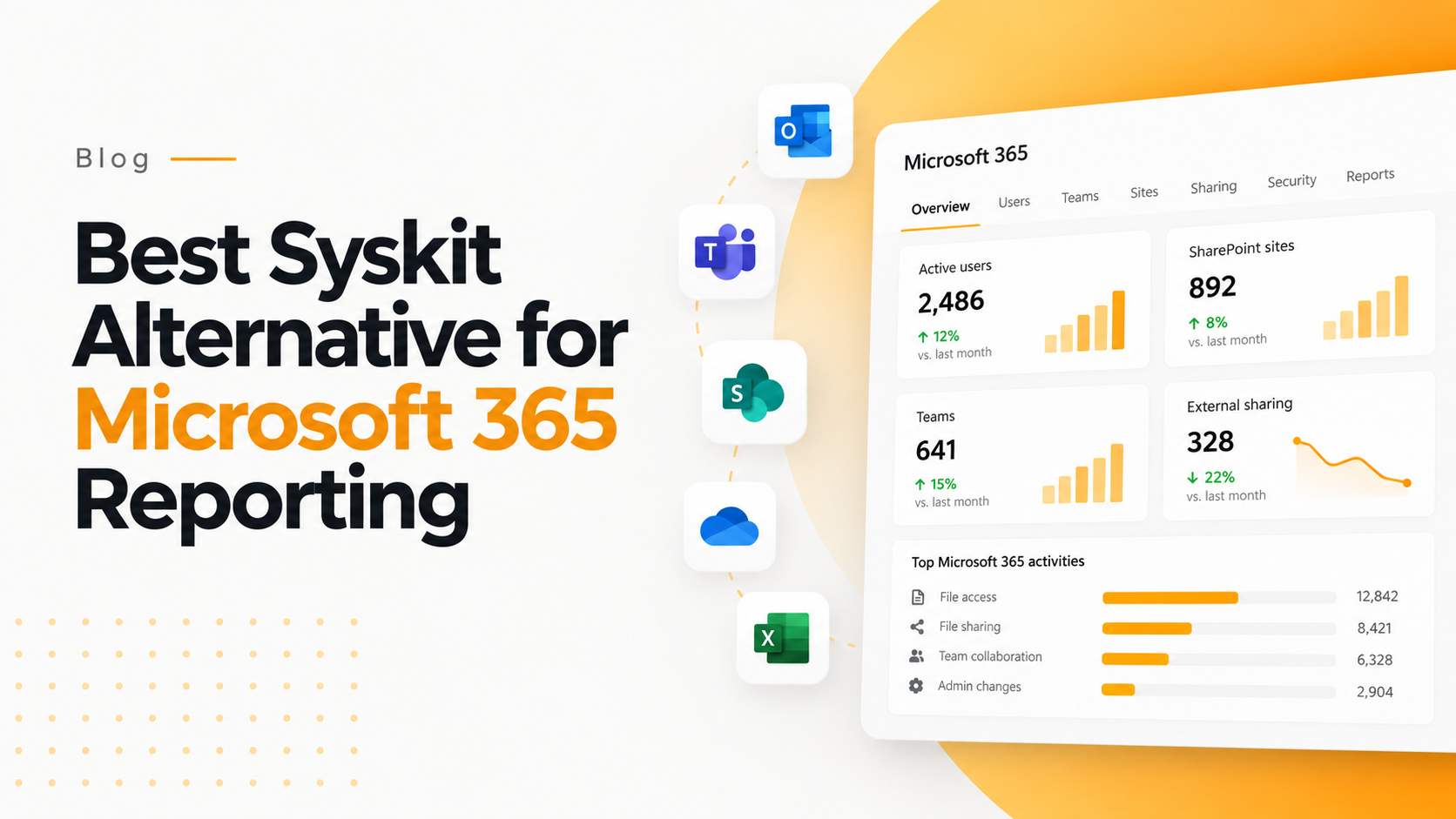

Best Syskit Alternative for Microsoft 365 reporting can tell you what is happening across your organization, but reporting alone may not show how those activities affect your licensing costs. This is where cost intelligence becomes important.
If your organization is already using Microsoft 365 reporting tools such as Syskit, the next step is to connect usage information with financial insights. 365TUNE helps organizations look beyond activity reports and understand where Best Syskit Alternative for Microsoft 365 licensing costs can be optimized.
In this guide, we explore how 365TUNE compares with Syskit, how it connects Microsoft 365 usage with license costs, and how organizations can identify opportunities to reduce unnecessary spending.
You’re Auditing. But Are You Also Optimizing?
Best Syskit Alternative provides businesses with valuable insights regarding how Microsoft 365 is being used, with information about users, permissions granted, etc. However, knowledge about the specific situation in the organization is only part of the equation.
Also, IT and finance departments need to understand how all of this activity affects the company’s budget.
The example includes discovering a population of 150 inactive users, but the issue is rather about how to compute the costs associated with the unused licenses.
Here, 365TUNE can help. The service offers a unique combination of Best Syskit Alternative for Microsoft 365 analytics with cost optimization to allow businesses to measure the link between license usage and the money spent on them.
With help of 365TUNE, the team can go beyond activity report provision and identify areas where the spending on Best Syskit Alternative for Microsoft 365 can be optimized.
Downsides of traditional audit reporting
- Lack of view into licensing expenses
- No insight into allocation of costs
- Manual work involved to identify saving opportunities
- Low level of financial forecasting
Introducing Best Syskit Alternative Microsoft 365 Reporting with Cost Intelligence
With 365TUNE, you can now view your Best Syskit Alternative for Microsoft 365 usage statistics together with information about how much money you are spending.
Rather than looking at user activities in isolation from licensing expenses, businesses can create a link between the two and have better insights into their Best Syskit Alternative for Microsoft 365 spending.
Find out where your company’s money goes while using Microsoft 365.
See where your Microsoft 365 budget is going
365TUNE helps organizations analyze license expenses based on the following criteria:
- Cost center
- Project
- Department
- Manager
This allows companies to understand not only who is using Best Syskit Alternative for Microsoft 365 reporting, but also how this affects their financial performance.
Create a common perspective between IT and finance
Frequently, the IT and finance departments work with dissimilar reports and have conflicting priorities. 365TUNE integrates key information into role-oriented screens allowing the two branches to operate with the identical data.
The IT branch can concentrate on use and maintenance of the systems while the finance can analyze the expenses and costs.
No need for PowerShell or Power BI
Getting accurate information with Best Syskit Alternative for Microsoft 365 does not always have to involve complicated programming.
365TUNE offers users an easy-to-use interface and enables them to get information about Microsoft 365 products without needing any specific coding skills.
What is the Difference between Syskit and 365TUNE?
Syskit provides solutions to organizations that need a comprehensive analysis of Microsoft 365 processes, security, permissions, and actions within the platform.
In a completely different way, 365TUNE highlights finance-related issues of the Microsoft 365 management.
| Feature | Syskit | 365TUNE |
|---|---|---|
| Main focus | Operational visibility, security, and permissions | Microsoft 365 usage and cost optimization |
| Inactive users | Identifies inactive users | Connects inactive users with their potential license cost |
| Cost allocation | Primarily focused on activity and user information | Helps allocate license costs by department, cost center, project, or manager |
| Reporting | Administrator-focused reports | Dashboards for IT, finance, and leadership |
| Administration | Detailed reporting and configuration | Designed to simplify reporting and analysis |
| Business outcome | Better operational and security visibility | Better understanding of Microsoft 365 spending |
There is no attempt to undermine the importance of audit capabilities in general. 365TUNE is the innovator in instilling Microsoft 365 reports with financial significance.
In other words, 365TUNE suits organizations willing to work out their costs, while already aware of their users’ inactivity.
“We previously used to spend considerable time scripting and using Excel spreadsheets.
Now we can get everything with click of a button.”
– IT Director, Manufacturing Company
3 Easy Steps to Get Started with Best Syskit Alternative
There is no complex implementation process needed to get started with 365TUNE.
1. Link
First, you must link your Microsoft tenant with 365TUNE. This will help the service to gather required information for the analysis.
2. Detect
The first scan will understand the Microsoft 365 system and find the areas of improvements.
3. Optimize
Go through the findings and discover ways to minimize costs and evaluate results.
This will enable the companies to make wise decisions using their Microsoft 365 data rather than just collecting it.
Importance of Financial Context in Reporting in Microsoft 365
Being told by an audit report that a particular user has not been active in the specific time period does not give you the whole picture. For example, let’s say there are 150 inactive users in your company and there are some employees with an E5 license, which costs several times more than others. Key points start to arise:
- What licenses have inactive users?
- What is the monthly cost of licenses?
- What department has the maximum of unused licenses?
- Is there a manager that is responsible for the major part of inactive licenses?
- Do we have an opportunity to reassign or adjust some licenses?
Without information about costs, the IT team will know about the problem but will not be able to address it properly.
Recognize License Expenses Based on Unit and Account
The expenditure for Best Syskit Alternative for Microsoft 365 is not always assessed at the user level.
Larger organizations may want to compute expenses on the level of departments, initiatives, business groups, regions, or leadership.
This is useful for finance departments in evaluating budgets and tremendously helpful for IT departments in explaining fluctuations in licensing expenses.
By knowing the answer to “Who is using Microsoft 356?” it will be easier to analyze the question of “What does our Microsoft 365 budget cover?”
Begin Analyzing and Reviewing Your Microsoft 365 Spending
When managing your Best Syskit Alternative for Microsoft 365 licenses, things can get frustrating as businesses grow.
With the admission of new employees, exit of others or changes in employment tasks, it is not uncommon for licenses to be reassigned without actually checking if a particular license is suitable.
Consequently, all seemingly insignificant decisions can become a serious issue over time.
One of the methods that can help implement a thorough 365 usage analysis is 365TUNE, as it indicates the gaps in the license management process and outlines the chances for saving.
According to the reports from 365TUNE, businesses with 1000 users and more can save up to $47,000 per year on Microsoft 365 licenses in merely a quarter.
Synchronize Your Tenant to Receive the Necessary Analysis
No need for a credit card. Enjoy 14 days of the free trial.
Frequently Asked Questions
What’s the difference between 365TUNE and Syskit?
365TUNE is an all-encompassing reporting platform for Microsoft 365 that incorporates usage data with moneywise information and helps an organization get a better insight into their use of Microsoft 365 and spending on licenses.
Whereas Syskit is focused more on operational visibility and business audit, security, and permissions perspective. 365TUNE, on the other hand, pays more attention to the financial aspect of 365 management.
Why 365TUNE can be used to cut costs on Microsoft 365 licenses?
Utilizing 365TUNE, an organization can evaluate how much it spends on licenses and how it uses them.
The application identifies optimization opportunities so that IT and finance departments can take action.
Can IT and finance cooperate using 365TUNE?
Yes, 365TUNE provides dashboards and reports for different departments.
IT is capable of monitoring usage and allocation, while finance can concentrate on money spent and budget.
The fact that both teams share the same information makes it easier to converse.
Is PowerShell or Power BI needed?
No. 365TUNE gives users’ access to Microsoft 365 reporting and analysis without needing to develop and operate their PowerShell scripts or Power BI dashboards.
What is the security with 365TUNE?
The 365TUNE product is created in compliance with security policies. 365TUNE is ISO 27001 and ISO 9001 certified and is Microsoft Azure based software.
Encryption is used to secure the data and implement role-based access.
Companies should refer to the latest security and compliance documents prior to making a buying decision.
Who is able to make the best use of 365TUNE?
The audience that can make the best use of 365TUNE includes:
Financing Teams
Financial experts can leverage information related to the usage and cost of Microsoft 365 to analyze expenditures, demo budgets, and discern potential waste areas.
Information Technology Leaders
Leaders in the field of IT can gain a better overview of the use and spending of Microsoft 365 thus assisting in making justifiable decisions on licensing that would have an impact on the businesses as a whole.
IT Administrators
Administrators are able to utilize reporting and usage data to keep track of licenses, examine users and assess special areas that need addressing.
Managed Services Providers
MSPs that are monitoring Microsoft 365 cloud services for different clients make use of cost and usage information in order to make recommendations and provide clients with in-depth reports.
What is the target audience for 365TUNE?
365TUNE is intended for organizations that require much more than the ordinary reports for Microsoft 365 usage.
It is especially helpful in industries where IT and finance departments must cooperate on different matters of Microsoft 365 licensing and expenditures.
Rather than looking at user activity, license distributions, and finances as separate issues, 365TUNE combines the three into one complete overview of Microsoft 365’s environment, thereby allowing a better understanding of the Microsoft 365 license and its usage.
For expanding businesses, this can help in identifying unused licenses, complication of statistics on expenses, and taking better license-related decisions.
Manage Your Costs in Microsoft 365
Reporting in Microsoft 365 is informative, yet merely timing can give understanding of whether the budget in question is being used properly.
Syskit can provide a solid amount of operational and audit information, while 365TUNE provides a different understanding by linking information collected to costs of licenses and financial reporting.
In case you want to reach an understanding in the area of Microsoft 365 not only in the terms of operations of your organization but also in the terms of costs, 365TUNE can be helpful.
Request a demo or start 14-day free trial in order to see how 365TUNE can help you understand your spending in Microsoft 365.