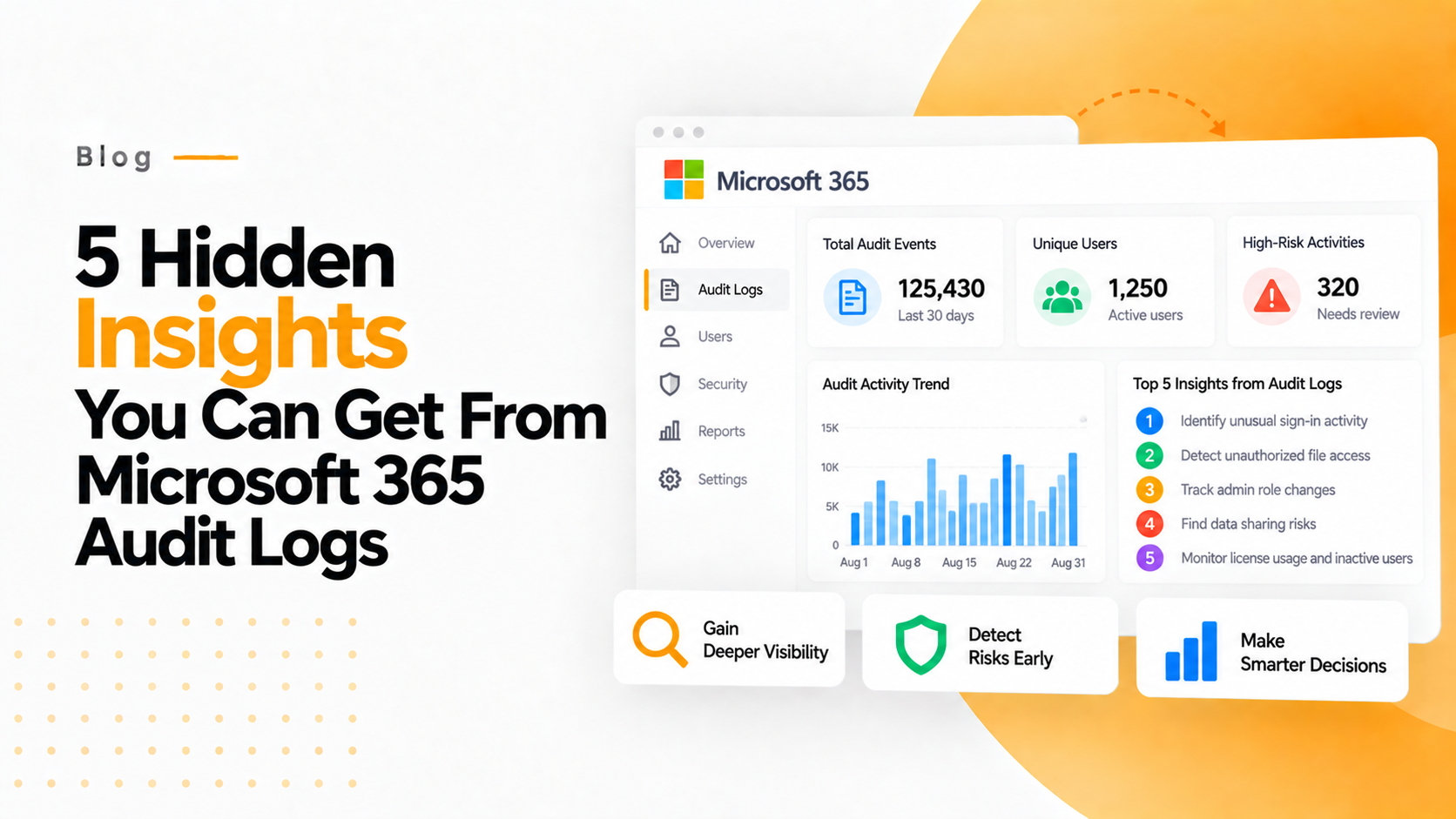

Microsoft 365 audit logs serve as a central monitoring framework that captures all user actions, system activities, and security events across the ecosystem. While basic monitoring is standard, discovering the 5 Hidden Insights you can get from Microsoft 365 audit logs allows IT teams to move from reactive to proactive security. By using this logging system, IT sectors can detect suspicious behavior in the early stages, effectively solving unexpected incidents.
Any investigation within the organization benefits from the transparency provided by these logs. Tracking the 5 Hidden Insights you can get from Microsoft 365 audit logs ensures that you have the evidence needed to follow suspicious activity back to its source. It is a centralized activity tracking system that provides total transparency across your Microsoft 365 environment.
Furthermore, when you leverage the 5 Hidden Insights you can get from Microsoft 365 audit logs, your organization can better monitor user behavior, data access, and troubleshooting. Mastering the 5 Hidden Insights you can get from Microsoft 365 audit logs ensures that your centralized tracking system is not just recording data, but providing actionable intelligence for your security team.
1. INSIDER THREATS IN THE EARLY STAGES
With this, you can catch or get the threat before it happens. Like, excessive file downloads and unusual access to the confidential folders. If anybody tries to export the mail data or any escalation activities and so on. For a better understanding, for a real-life example, assume that an employee tries to copy or export the customer data without authorization.
Microsoft 365 Audit Log can track users who are communicating in Outlook and Teams. If someone sends email to many unknown contacts or shares sensitive content, it can be detected. This helps to stop the data leak through the communication channels and the spread of phishing within the organization.
2. UNAUTHORIZED USAGE OF APPS
Audit Log in Microsoft 365 reveals the apps and their usage that silently connect with it. It also checks the data exposed to the other sources. It checks the zero authentication permission granted by the user and other external apps accessing the mailbox or calendar. The main part is it prevents data leakage through unofficial software as a service (tools).
If any document that changes rapidly by someone or any activity like this can be detected and removed in SharePoint and OneDrive. This prevents the tempering, forgery, or any other silent modification made to any important records can be detected efficiently and removed, especially in financial records and contracts.
3. NON-CONFIGURED ADMIN ACCOUNTS
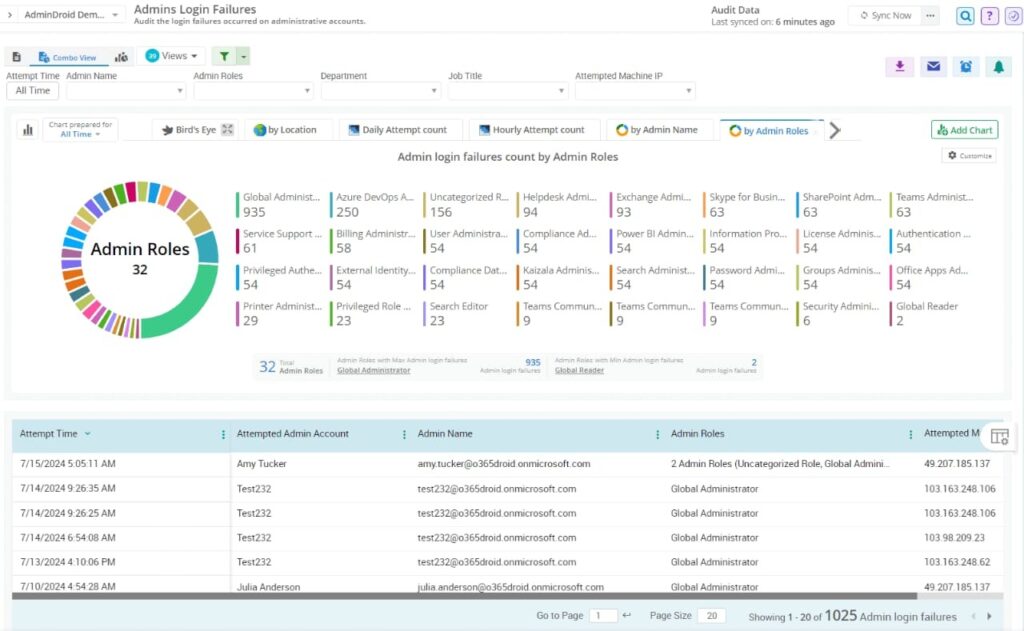
This feature enables users to identify the risky accounts of the admin that haven’t been used for weeks, as well as the accounts that have never logged in but have the admin rights. It shows the authentication attempts that were made at odd hours. This feature cleans the privileges that remain unused and reduces the surface attack.
If attackers use advanced admin commands or a PowerShell script to breach the security, Audit Log detects the unusual commands in the system. It helps to catch the hidden exploitation techniques before they take control of the system.
4. NON-DETECTED DATA EXFILTRATION ATTEMPTS
This feature of audit logs tracks hidden exfil patterns like files that are shared repeatedly externally with data that synced to unmatched devices, and PowerShell export commands that are unusual. For example, the continuous “share with external user” event suggests this suspect as a leak pattern.
Audit logs track when someone tries to view or export email that belongs to confidential persons like HR, the CEO, or VIPs. This protects the mailboxes from spying, leakages or sabotage.
5. PRODUCTIVITY OF THE USER AND ADOPTION PATTERNS
Security logs show the business insights based on which apps users actually use, whether it may be Teams, OneDrive, or SharePoint. It also shows the collaboration behaviour trends and training requirements, like users struggling with the tools. This feature optimizes the licence usage and plans for better training and onboarding.
Unexpected scenarios can be dealt with in this audit. Like unexpectedly removing entire team channels and removing multiple users from groups. All these will be given with an alert before it happens.
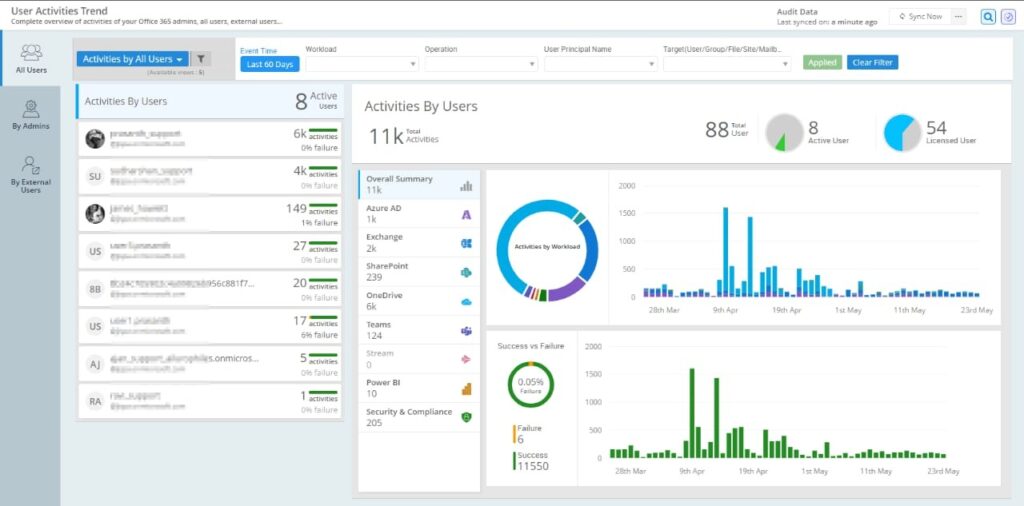
Main things that Microsoft Audit 365 tracks
- User Activity
- Admin Action
- Security Events
- Team Activities
- Data Movement.
All these activities are for security, troubleshooting, compliance, and transparency. These audit logs strengthen the cloud environment by providing continuous visibility into user and system actions. This helps and empowers organizations to detect threats, identify risks, prevent data leakage, and so on.
It also supports regulatory compliance, which should come under IT governance and improve productivity. By utilizing audit logs effectively, companies can protect their digital assets and build a healthy and transparent workplace.