Stay ahead with expert articles, how-tos, and best practices on Microsoft 365 license management, reporting, and cost optimization. Our insights are written for IT leaders, administrators, and finance teams looking to reduce waste and maximize value from Microsoft 365.
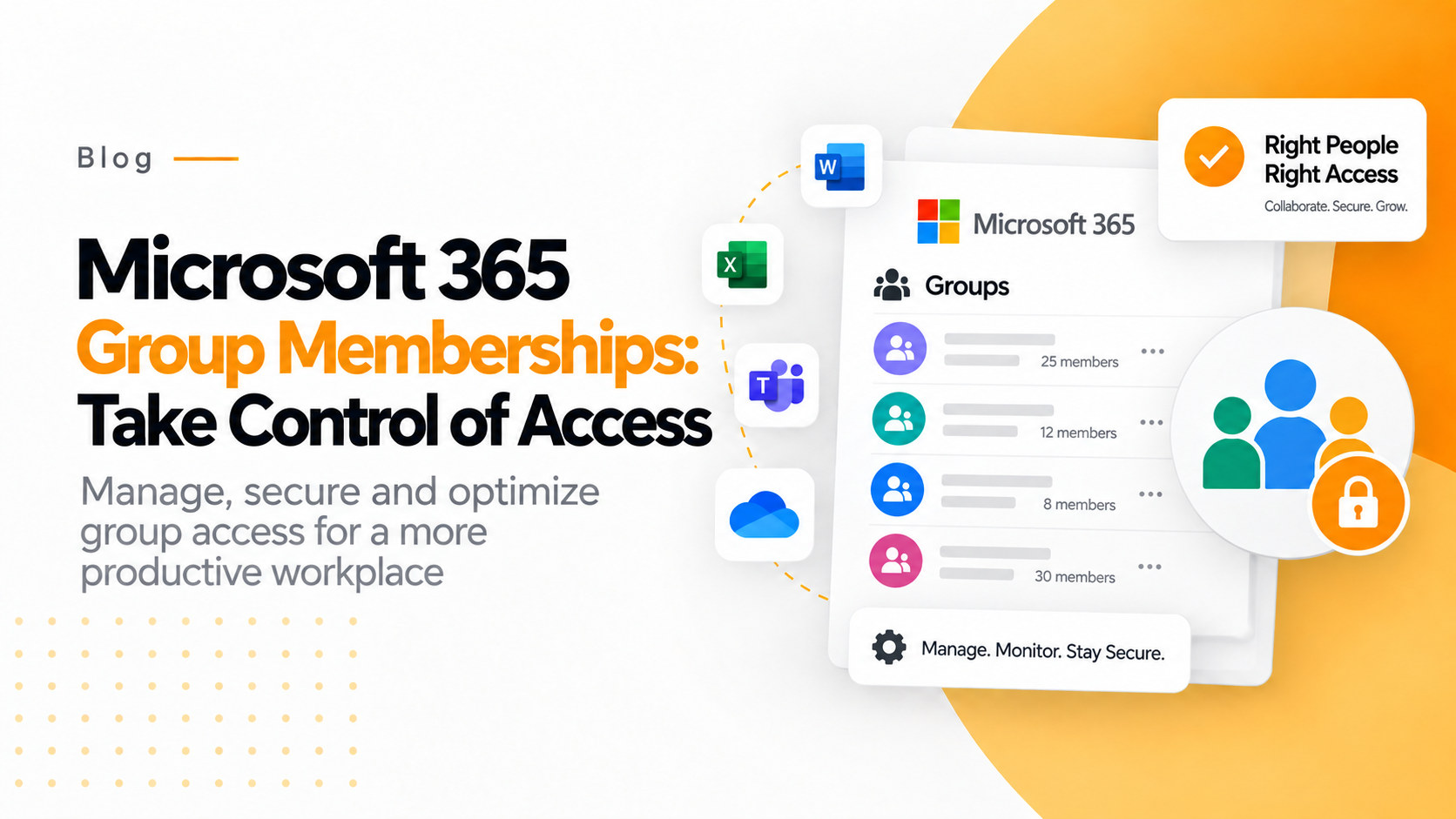
Microsoft 365 Group Memberships: Take Control of Access
Group memberships shape who can access what across Microsoft 365. Better visibility and governance help IT teams manage permissions, reduce unnecessary access, and keep groups under control.
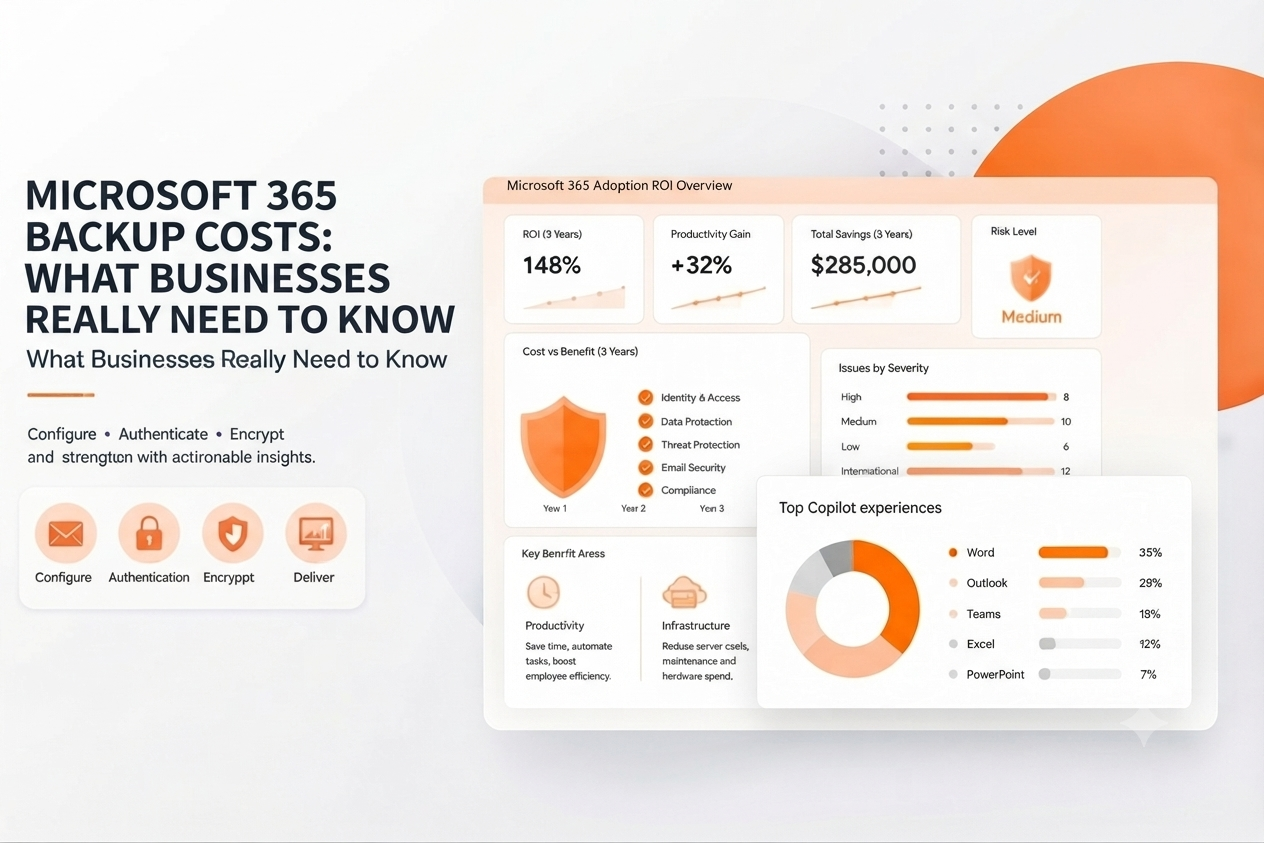
Two businesses using Microsoft 365 can end up with very different backup bills. Storage growth, retention periods, recovery requirements and compliance obligations all influence what adequate protection ultimately costs.
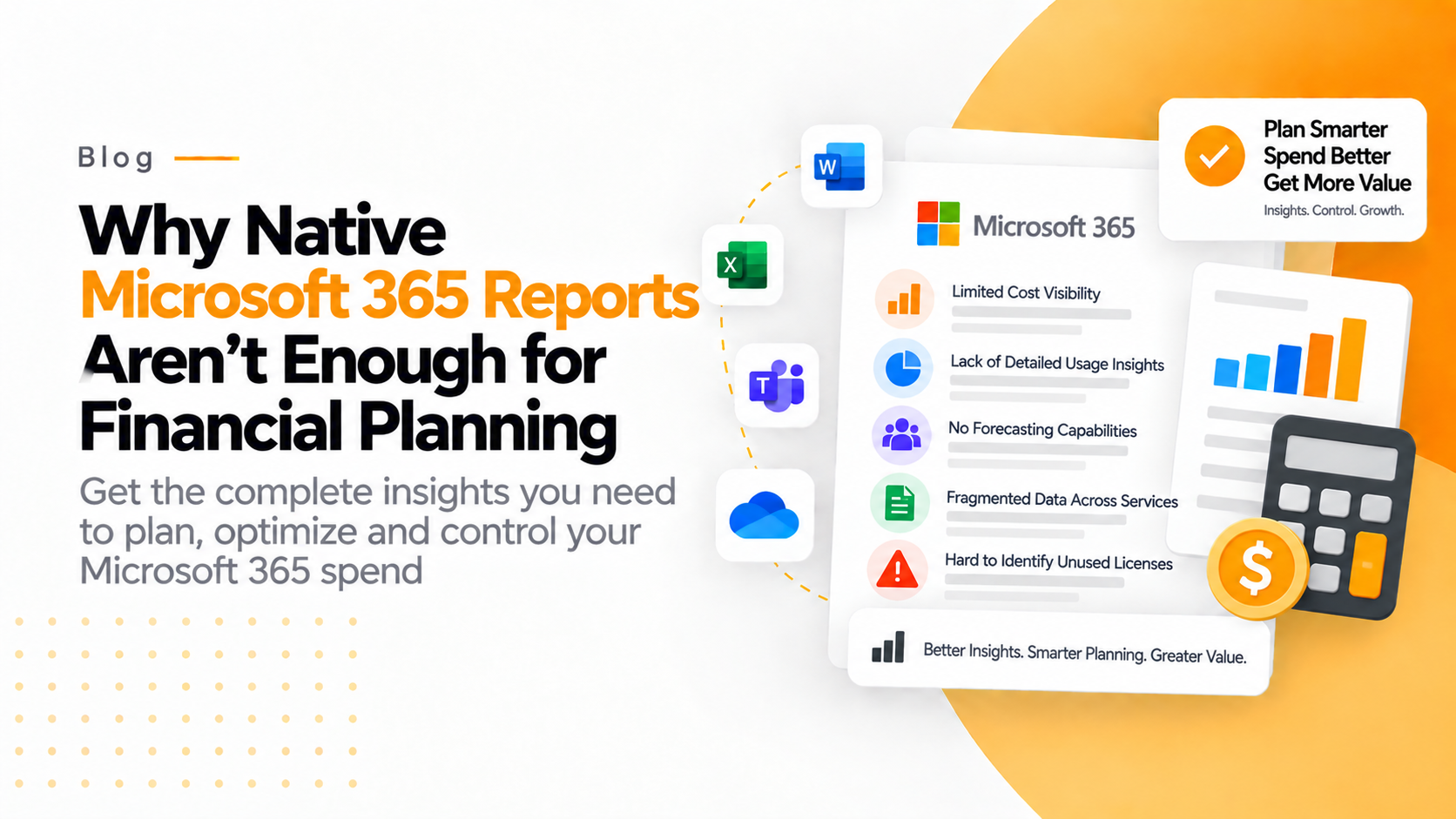
Microsoft 365 native reports provide valuable operational insights but lack financial forecasting, detailed cost visibility, waste detection, and optimization recommendations. 365 Tune bridges this gap by transforming usage data into financial analytics, enabling cost tracking, budgeting, forecasting, waste detection, and executive dashboards. It helps organizations control SaaS spending and optimize Microsoft 365 investments.
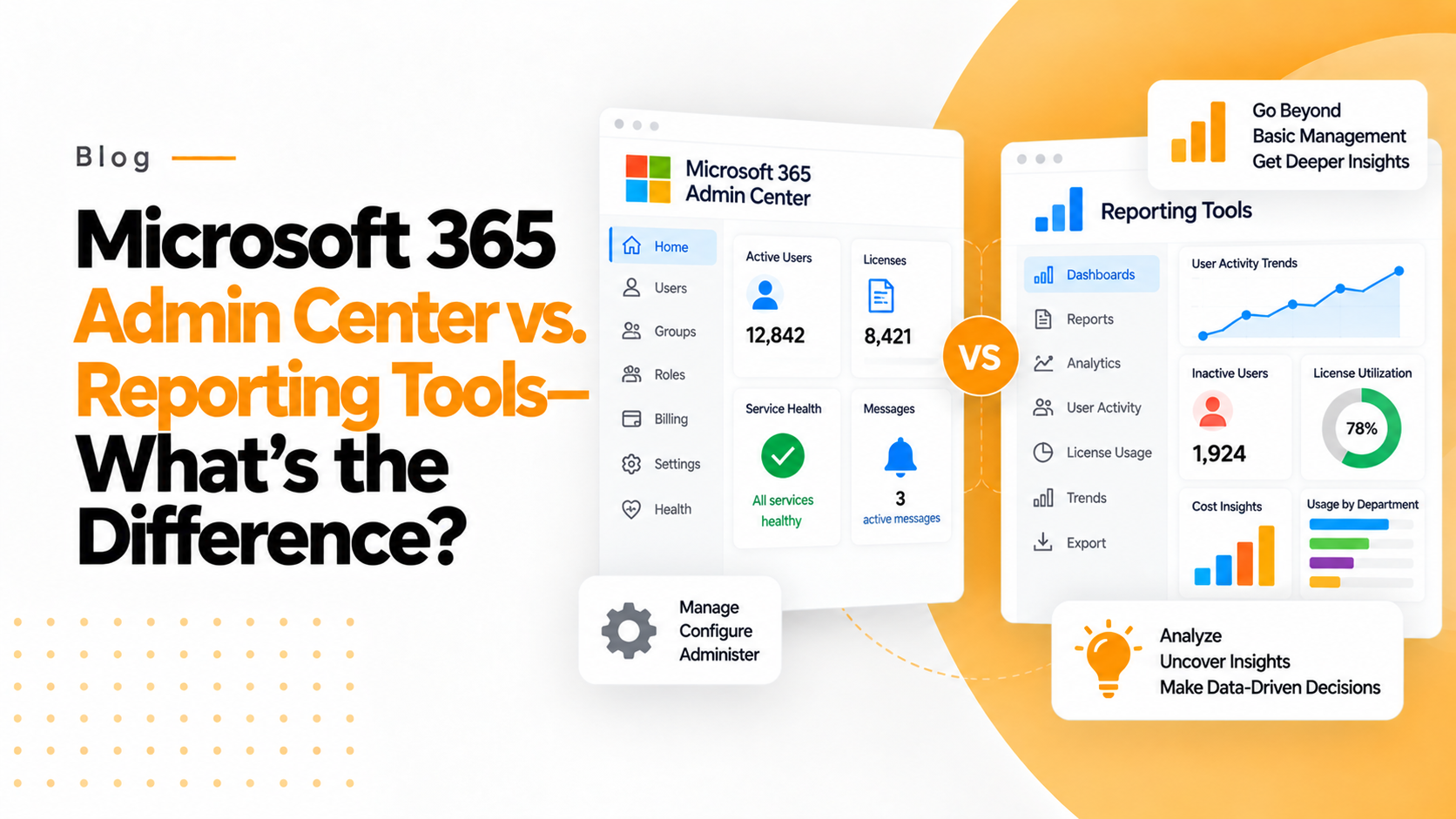
Microsoft 365 Admin Center is built for managing users, licenses, security, and basic usage reports, while dedicated reporting tools like 365TUNE provide deeper insights into adoption, collaboration, productivity, and ROI. Together, they help organizations both manage Microsoft 365 efficiently and understand how employees use it to drive better business decisions.
Microsoft 365 security isn’t a set-it-and-forget-it task. These 10 critical settings help strengthen access controls, protect sensitive data, secure collaboration, and reduce common risks across your tenant.
Securing a Microsoft 365 tenant shouldn’t require hours of PowerShell work. Baseline Security Mode brings essential protections into one place, making it easier to assess impact, strengthen configurations, and roll out controls safely.
Exchange Online can become difficult to manage as users, mailboxes, permissions, and policies grow. Better visibility gives IT teams a clearer view of activity and makes it easier to maintain control across the environment.
365TUNE is now beta. Join the waitlist to experience the full potential of the platform with a free beta access. Get a six months-no-commitment subscription with full access.
Apply Now. We’ll get back to you as soon as possible.
Visit us
Come say hello at our headquarter.
5900 Balcones Drive #8939 Austin, TX, 78731