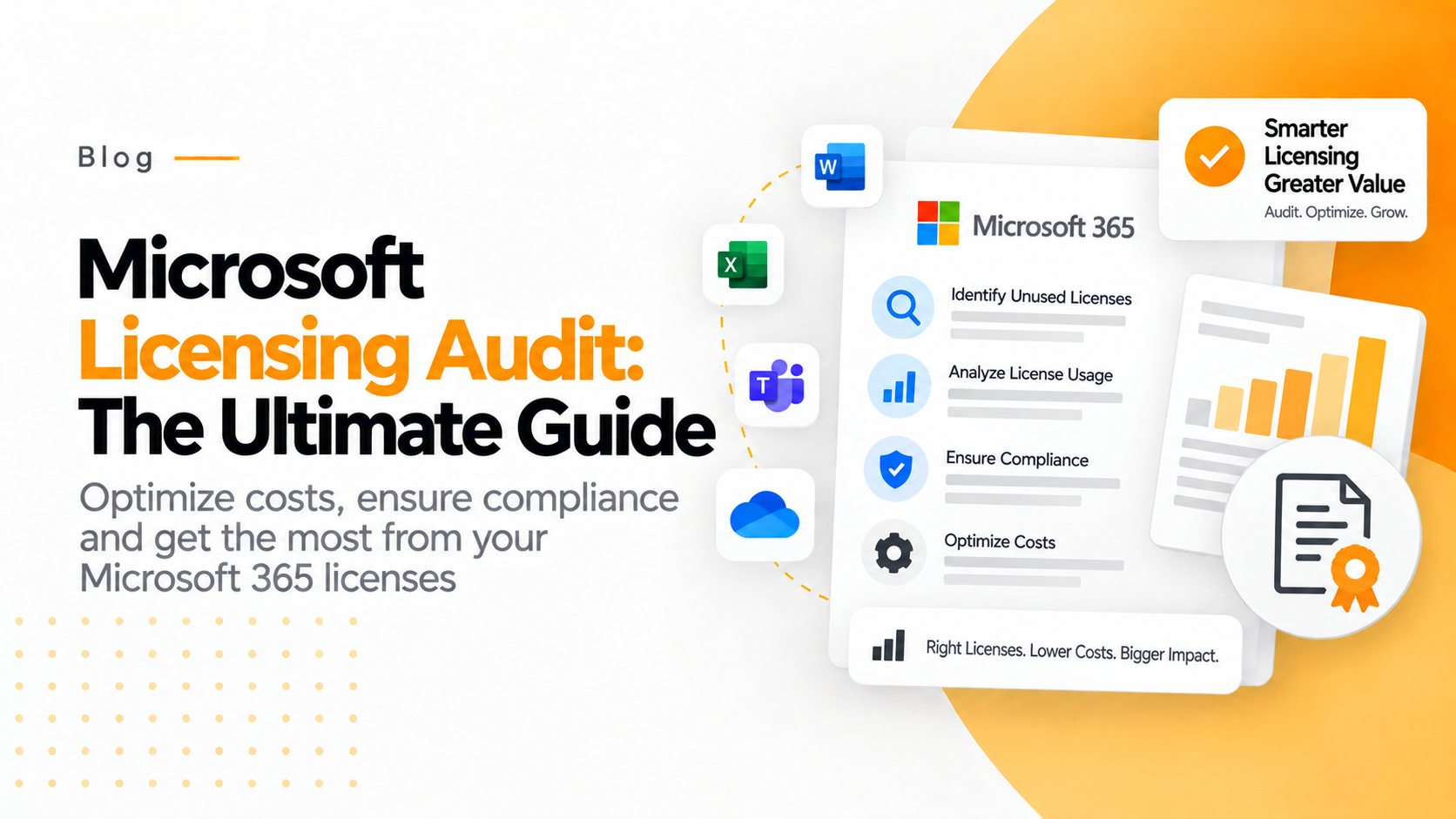

In 2025, Microsoft licensing audit remains as a key compliance checkpoint for organizations using Microsoft products. With Microsoft’s licensing ecosystem expanding across on-prem, cloud, hybrid and AI-driven workloads, the audits are becoming more frequent and complex.
As, we step into 2026, companies should think beyond compliance and should adopt a strategic approach towards license management.
Whether you are an IT manager, CIO, or procurement lead, understanding these audits can save your company from hefty penalties, reputational damage and operational disruptions.
This guide will help you understand about the Microsoft audit process, how to survive it with minimal disruption.
What Is a Microsoft Licensing Audit?
Microsoft Licensing Audit is a stringent process that done by Microsoft. These audits help Microsoft to ensure that a company follows necessary software usage rules and guidelines, defined under Enterprise Agreement or through any alternative licensing program like Open, CSPA, Select or MPSA.
The audit begins with an official email or formal letter from Microsoft. Then, it is followed by a formal kick-off call request with Microsoft and the third-party auditor. The auditor will take complete responsibility for the process and will submit the final reports to Microsoft.
The overall aim of the volume license audit is to gather details regarding your installed software, regardless of its use and will also further compare it with company’s licensing records. This ensures your company is “license compliance”.
Microsoft’s Auditing Process
Here is how a Microsoft license audit or SAM assessment is being conducted:
Step 1: Microsoft selects a reliable auditor or SAM partner like Deloitte to perform the assessment.
Step 2: The auditor or SAM partner further shares an agreement with the customer.
For many companies, this might be a completely new experience and are often not aware on optimizing this agreement. Along with several clauses, the agreement will also mention the cost of the audit.
Note: If the audit results in material noncompliance which is >5% on license counts, then the customer is responsible to pay for the audit. Simultaneously, if any noncompliance is found, then Microsoft will pay for the audit. Additionally, SAM assessment expenses are mainly covered by Microsoft.
Step 3: The auditor or SAM partner will perform the audit. This is done with the information provided by the customer along with the information gathered by Microsoft tools like SSCM and Active Directory.
Note: In some cases, the auditor will use their own tools and its details will be mentioned in the contract.
Step 4: Further, the auditor/SAM partner will generate an Effective License Position (ELP) workbook. The book will compare licenses owned vs. licenses deployed. It will so mention the count of non-compliant licenses. If the company is using more licenses than they own, they might need to pay additional fees to Microsoft.
However, in a formal audit, these fees are based on full retail prices and can also include certain penalties. On the other hand, in a SAM Assessment, the company has to purchase the required licenses based on their signed agreement rates without any penalties.
Step 5: In the end, the company is asked a short deadline to pay the charges of noncompliance. If the company has any complaint, then they must provide solid evidence and clear documentation to defend.
Preparing for Your Microsoft Licensing Audit
Proper preparation is vital for managing a smooth audit. Here are some key steps to keep in mind:
Build the Right Team
Gather a dedicated audit response team which includes licensing specialists, IT administrators, legal counsel and procurement officers. Each member should have a clear understanding about Microsoft’s licensing models and contractual obligations.
Gather Necessary Documents
It is crucial to maintain a complete and well-organized repository containing all relevant records. This includes licensing agreements, invoices, purchase orders (POs), Software Assurance documentation along with entitlement proofs. Make sure you include all historical records especially related to mergers, acquisitions, or license transfers information that might not reflect in Microsoft’s system.
Conduct Internal Audits
It always advised to conduct internal or mock audits regularly to identify errors and maintain an accurate Effective License Position (ELP). You can perform the audit with automated tools like Microsoft 365 Admin Center, Azure Arc or on-premises discovery tools. This will help you to monitor software deployments and reconcile licenses into the reporting dashboards to maintain track.
Define Clear Governance Policies
Define essential roles like Software Asset Manager (SAM), ideally an owner who is responsible for compliance responsibilities. Hence, it is essential to implement robust governance policies for governing software procurement, deployment, and decommissions to avoid unauthorized or untracked usage.
During the kick-off meeting
The audit begins with a formal kick-off meeting. During the meeting, you will get introduced with the auditors and process. During the audit, you will be provided with the following materials:
A presentation deck will provide an entire overview about software license audit. This also includes the required data, the necessary steps to be taken, expected outcomes and all necessary information.
During the presentation you will also need to fill necessary information about the company, infrastructure, and the use of Microsoft software/infrastructure.
The auditor will also share the details about the scripts that will run on your devices, virtual machines and servers. It will also mention necessary prerequisites and instructions on how to run the scrips.
Additionally, the auditors will also inform you with detailed project plan stating the desired timeline for the audit process.
The team might ask certain questions related to your infrastructure and network. They will also inquire details about individuals or team who will participate during the audit or point of contact and throughout the license audit process.
The Final Audit Report
Once the audit is completed or you have decided to conclude the process the auditor will present a final audit report. This document will define about your company’s licensing details and if any potential shortfalls. While reviewing the report, it’s important to:
Carefully review all the findings and precisely document any points of disagreement. Make sure these points are formally discussed and mentioned in your audit record.
Never sign the report as an acknowledgement or acceptance based on auditor’s calculations. Only sign when you receive a complete report with all the accurate details.
Note: The auditor is only an individual assessor and is not authorized to negotiate on settlement terms, discuss on commercials or interfere in your business context. Any discussion related to cost, remediation or licensing adjustments should be directly discussed with Microsoft.
Many times, Microsoft’s aim is not to penalize you and their aim is mainly on future growth. In the negotiation phase you should always try to engage and seek an opportunity to explore alternative solutions.
It is always recommended to have a professional Microsoft negotiator at your side. They will help you to handle the situation better.
In case if you have to pay the penalty, then the overall amount depends on the negotiation’s outcomes. MBSA states that one must purchase the missing licenses within 30 days. Furthermore, volume licensing states that one has to pay 125% of the list price.
And, if your noncompliance results are more than 5%, the company has to cover the entire audit expenses.
Conclusion
In 2025, Microsoft licensing compliance is not just a legal requirement, it’s a predictable checkpoint for your company’s operations. With the growing demand of cloud subscriptions, AI integrations and hybrid infrastructure, the licensing complexity has also been increased.
Thus, by organizing your entitlements, using internal SAM tools and staying updated with Microsoft’s evolving licensing models, you can prepare your self for the audit. Companies that focus on automation, visibility, and governance and minimize the overall audit risks and optimize expenses.
Instead of fearing audits, companies can see them as an opportunity to improve their overall operational efficiency and financial control.
Frequently Asked Questions
What happens if the company is found non-compliant in audit?
If any breach is found, then Microsoft will ask you to purchase missing licenses, pay penalties or may take a legal action against your organization. Additionally, noncompliance may also result in disruption in operations and delay renewals or migrations.
Who performs Microsoft audit?
Microsoft does not perform audits individually. An individual third-party auditor will be assigned and will engage with you on behalf of Microsoft. In many cases the big 5 like KPMG, Deloitte, EY, and PwC are assigned to conduct the audit.
How often does Microsoft audits happen?
Microsoft audits are common and can happen any time, depending on your company size, environment complexity and usage patterns. However, it is recommended to always be compliance readiness.