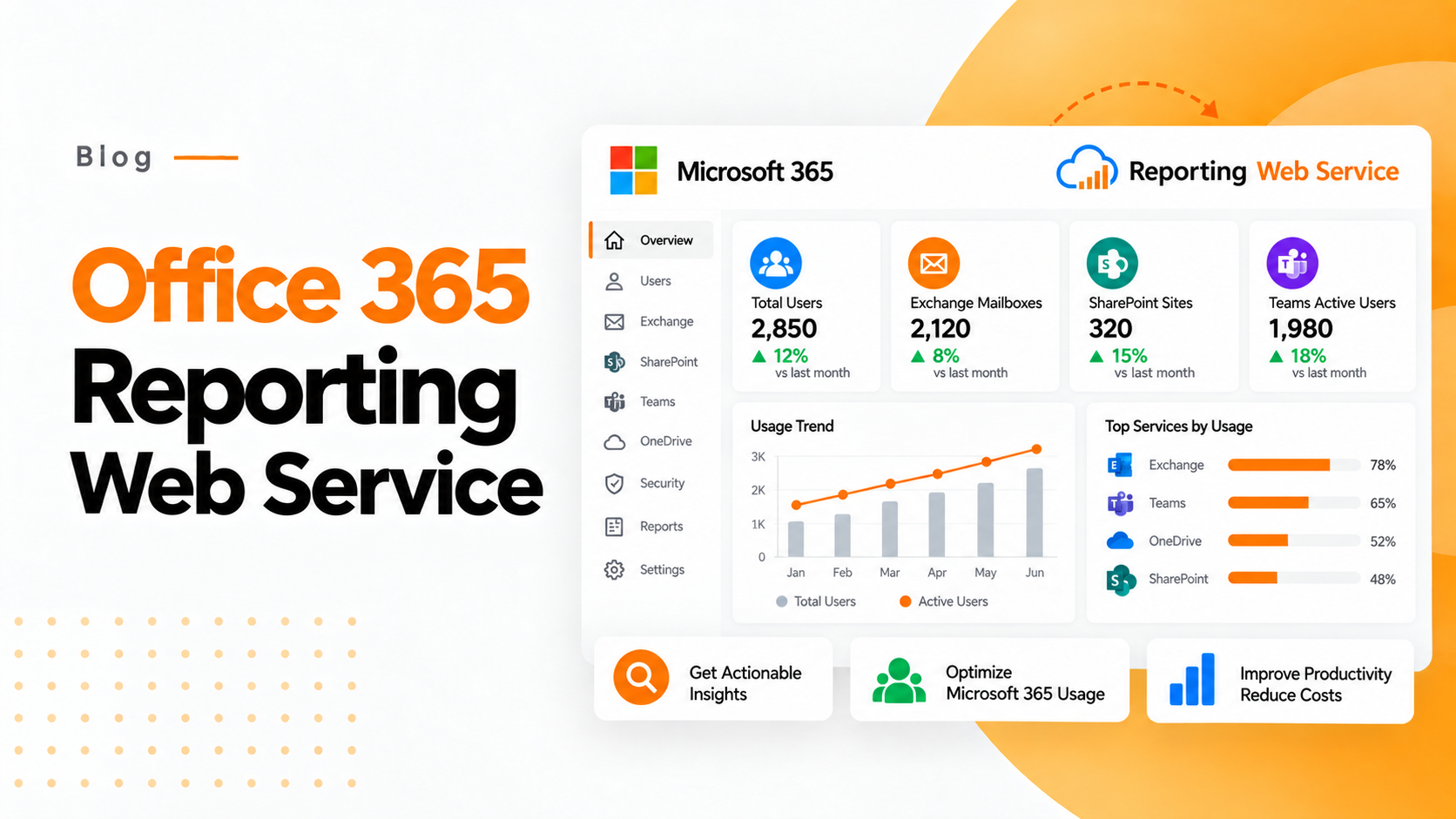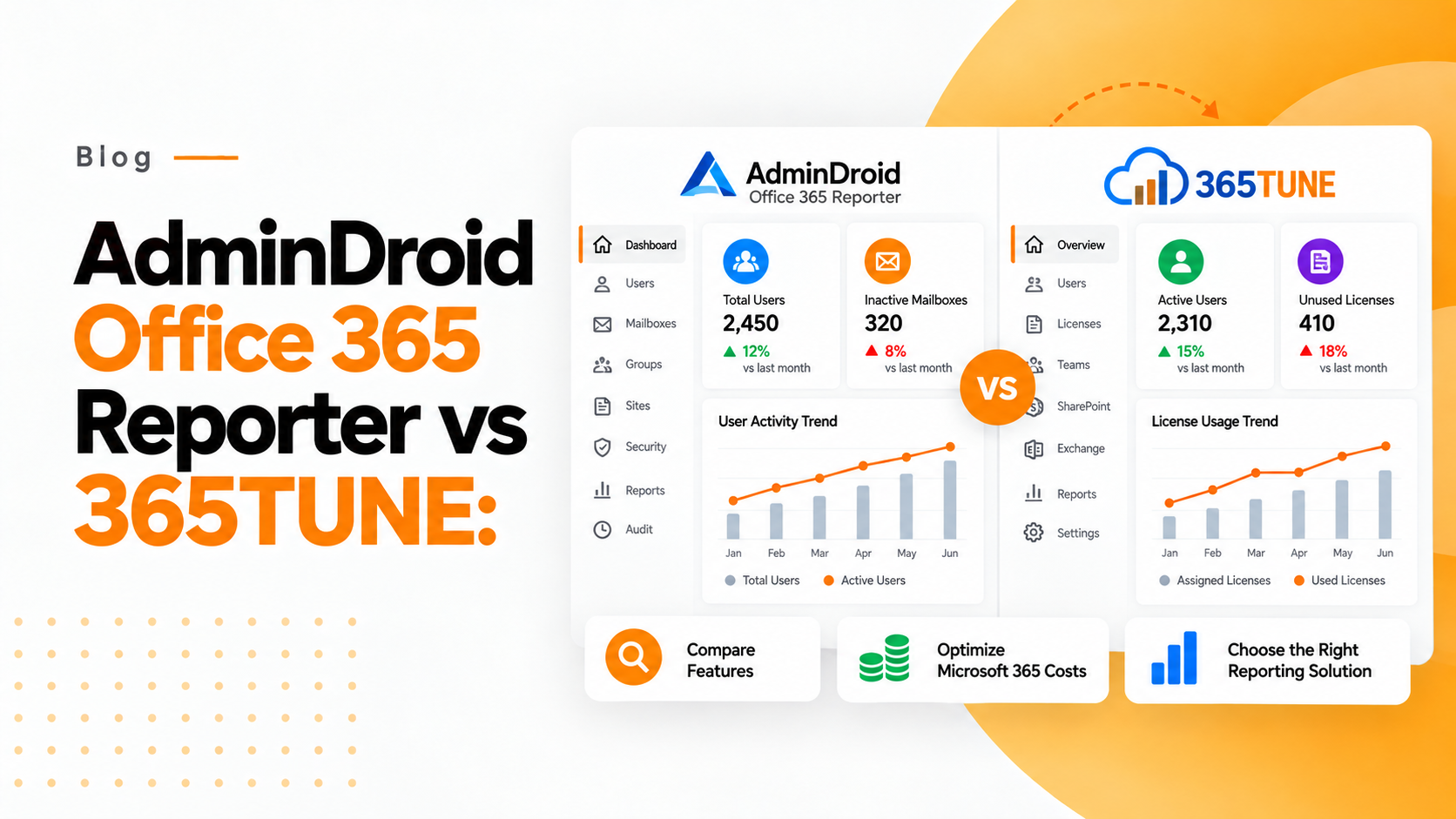
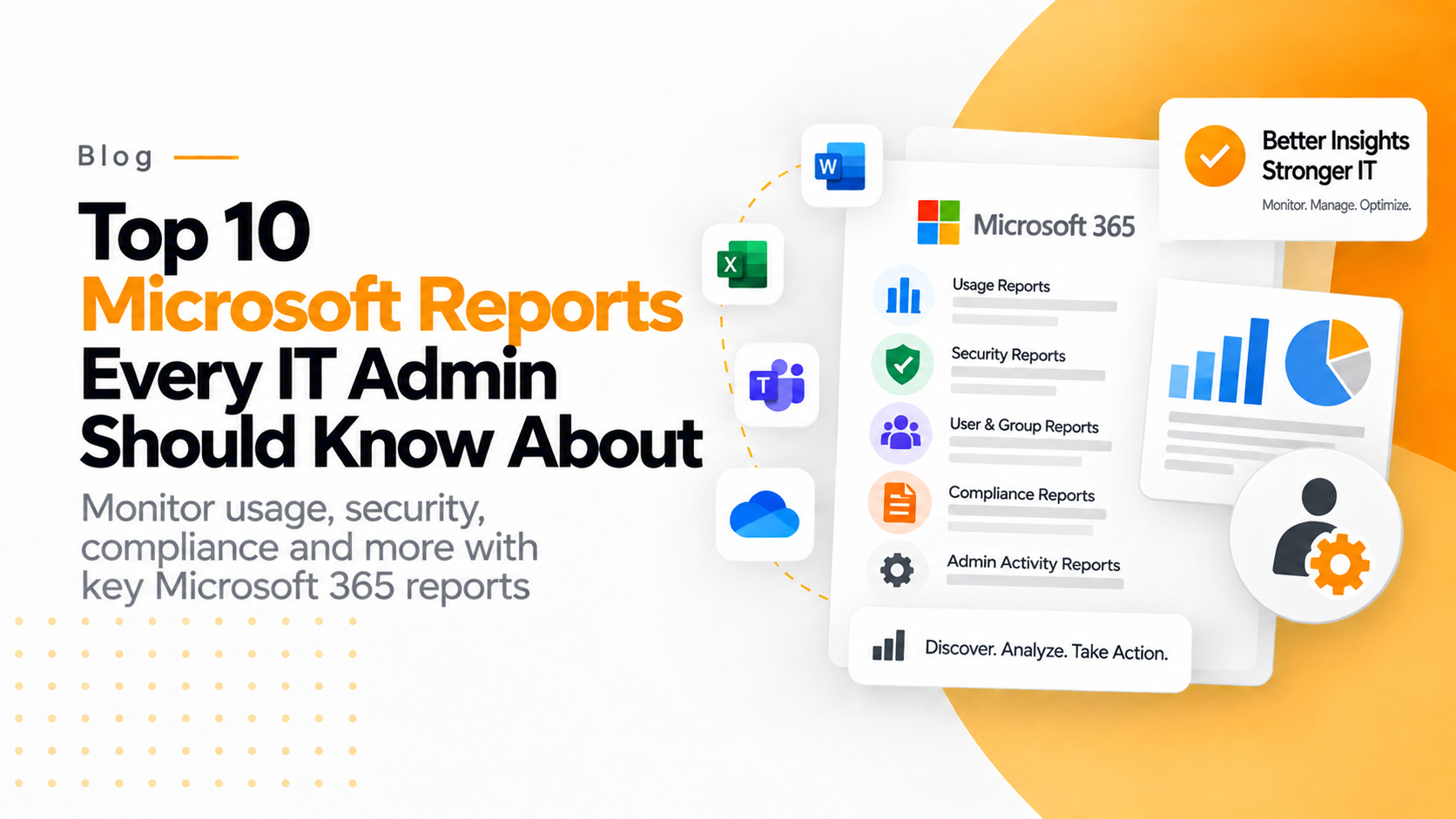

In current insight driven culture microsoft 365 is a foundation for productivity, communication and collaboration. As firms progressively depend on this powerful cloud ecosystem and the role of IT administrator becomes more essential than ever. Microsoft 365 offers an extensive selection of built in reports along with the integration option through power BI, azure active directory and the security compliance centre which enables admins to make informed decisions.
Here we will explore the Top 10 Microsoft 365 reports every IT admin should know about which includes the key metrics. Purpose and how they help organizations improve efficiency and security.
1. Microsoft 365 usage analytics
The reports of Microsoft 365 usage analytics available through power BI are essential for every administrator looking to gain a comprehensive view of user adoption and production engagement.
And this report blends data from exchange online, share point, online drive for business, microsoft teams and yammer which offer a firm wide outlook and how employees are utilizing the microsoft 365 applications.
Key Metrics:
➢ Track user activity levels across microsoft 365 applications.
➢ Analyze the usage of microsoft 365 tools evolves and grows over specific time periods.
➢ Monitor and compare the storage consumption through share point, one drive , exchange and other connected services.
➢ Measure firm collaboration across file sharing frequency, team meeting and email communication volumes.
Benefits:
➢ It helps to find which tools are most popular and which need better adoption support.
➢ It supports to justify microsoft 365 license renewals or upgrades.
➢ It provides evidence for return on investment in digital transformation initiatives.
2. Teams usage reports
Microsoft teams have become the central core for communication and collaboration purposes for hybrid workplaces. Teams usage reports are essential for monitoring user engagement, activity patterns and adoptions levels in microsoft 365 admin center.
Key metrics:
➢ Count of active users and guests.
➢ Average chats, channel messages and meetings per users.
➢ Call and video performances metrics.
➢ Devices used to access teams in desktop, mobile and web.
Benefits:
➢ It helps to identify the departments with low teams engagement for focused on onboarding efforts.
➢ It supports the detection of performance issues or challenges in user adoption.
➢ Supports capacity planning for network bandwidth and device optimization.
3. Exchange email activity report
The email remains to be a critical communication channel for most businesses with exchanges online serving as a fundamental of microsoft 365 email system. The report of email activity offers the comprehensive into how users are engaging with their mailboxes.
Key Metrics:
➢ Total numbers of emails sent, received and read.
➢ Mail box storage usage and quota consumption.
➢ Most active senders and recipients.
➢ List of inactive or inactive mailboxes.
Benefits:
➢ Helps to find the inactive accounts for cleanup or resource reallocation.
➢ Track potential misuse including bulk email or spam like behaviour.
➢ Assists in mailbox storage planning and overall capacity management.
4. Sharepoint site usage reports:
Sharepoint online provides the foundation for content management, document sharing and intranet collaboration. The reports of sharepoint site usage offers the detailed insights into how employees interact with their sharepoint sites.
Key metrics:
➢ Number of unique visitors per site.
➢ Count of file views and edits.
➢ Files share internally and externally.
➢ Usage of storage by each site collection.
Benefits:
➢ Detects inactive or low usage of sharepoints sites for cleanup.
➢ Optimize the storage distribution and site performance.
➢ Offers comprehensive collaboration patterns and user engagement levels.
5. Onedrive for business usage report
Onedrive for business is the keystone for cloud file storage and coordination. The reports of onedrive usage provides IT administrators a detailed view of how users store, access and share data. By examining these reports regularly administrators can find and reduce the risks such as unapproved external sharing or potential data leaks.
Key metrics:
➢ Number of files created, viewed, modified and shared
➢ Storage consumption by each user.
➢ External file sharing activities.
➢ Usage statistics for the onedrive sync client.
Benefits:
➢ Detects inactive or unused onedrive accounts.
➢ Ensures secure sharing of sensitive data within the organization.
➢ Track storage usage trends to plan future capacity needs.
6. Security and compliance centre audit log report
The report of the audit log in Microsoft 365 security and compliance centre is the one of the most critical tools for maintaining accountability and transparency. This report is essential for forensic analysis during the incident such as data breaches, insider threats or policy violations. It tracks nearly every user and admin action across multiple services. Administrators can filter and export logs for specific time frames or user accounts for deeper analysis.
Key metrics:
➢ User actions such as file access, sharing and deletion
➢ Administrative task including group creation,license alignment and policy updation
➢ Mailbox and sharepoint login or access attempt.
➢ Compliance and audit event records.
Benefits:
➢ Offers complete audit trails to support security investigations.
➢ Helps compliance teams meet regulatory audit requirements.
➢ Enables early detection of unauthorized or suspicious activities.
7. Microsoft defender for office 365 threat protection report:
Microsoft defender for office 365 provides advanced protection against spoofing, harmful software and junk mail. These threat protection helps the IT admins and they can understand how well these defenses are performing. And also by analyzing these reports the IT admins can adjust their protection policies, improve security posture and ensure users remain protected from emerging threats.
Key metrics:
➢ Count of detected and blocked security threats.
➢ Classifications of harmful software and phishing attempts.
➢ Metrics in safe attachments performance.
➢ Affected users and email flow analysis trends.
Benefits:
➢ Support proactive mitigation of potential threats.
➢ Identifies vulnerable areas that require stronger security policies.
➢ Help to optimize the spam filters and improve mail flow rules.
8. Conditional access and sign in logs (Azure AD)
The conditional access and sign in logs are available through Azure active directory (Azure AD) which helps the administrators to monitor user authentication events and detect anomalies. Also identify and access management lie at the heart of Microsoft 365 security. Regularly reviewing these logs helps maintain robust access control and minimize security breaches.
Key metrics:
➢ Records of successful and failed login attempts.
➢ Outcomes of conditional access policies.
➢ Detection of risky sign in and unusual login locations.
➢ Complication status for multi factor authentication.
Benefits:
➢ Helps to detect unusual login activity or raw power attack attempts.
➢ Verifies the user adherence to identity multi factor authentication security policies.
➢ Analyzes graphic login patterns to uncover potential security risks.
9. License usage report
The reports of license usage offers a detailed breakdown of assigned, available and unutilized licenses across your tenant. The systematic license management is important for cost optimization in microsoft 365 environment. By analysing the inactive accounts IT teams can reassign licenses, cutting costs and maximizing return on investment.
Key Metrics:
➢ Comparison of assigned and unassigned licenses.
➢ License utilization by department or user group.
➢ Identification of unused or underutilized subscriptions.
➢ Tracking of license expiration dates and renewal patterns.
Benefits:
➢ Avoids overspending on unnecessary license purchases.
➢ Enables accurate forecasting of future licensing requirements.
➢ Make sure adherence to microsoft licensing compliance standards.
10. Data loss prevention policy reports:
The data loss prevention policy reports are available in microsoft purview compliance portal which helps the IT admins to monitor and enforce the data protection policies. Data breaches and accidental information leaks can have severe financial and reputation; consequences. By reviewing the data loss prevention reports the IT admins can fine tune rules, educate employees and enforce a culture compliance across the firm.
Key metrics:
➢ Count of data loss prevention rule matches and violations
➢ Sensitive data types triggering policies for example, credit card numbers, SSNs, financial details.
➢ Users or departments with frequent data loss prevention policy violations.
➢ Actions taken by policies like blocks, alert or allow override.
Benefits:
➢ Ensures the adherence to data protection regulations such as GDPR and HIPAA
➢ Find the risky user activities which involve the sensitive information.
➢ Strengthens the data governance efforts to prevent data leakage.