
The world of Microsoft 365 reporting has changed dramatically over the years.
In the early days of Microsoft 365 reporting, the only reports that administrators were interested in involved things like users, licenses, mailbox usage, team usage, SharePoint usage, or security events. But now, Microsoft 365 is a more sophisticated environment where organizations need to deal with a multitude of licensing schemes, hybrid workforces, guest users, security controls, Copilot use, compliance issues, and rising SaaS costs.
However, the important question is not which of the available Microsoft 365 reporting tools has more reports.
What is important really is whether you get the reporting that allows you to understand what is happening with Microsoft 365 and what this all means for your business.
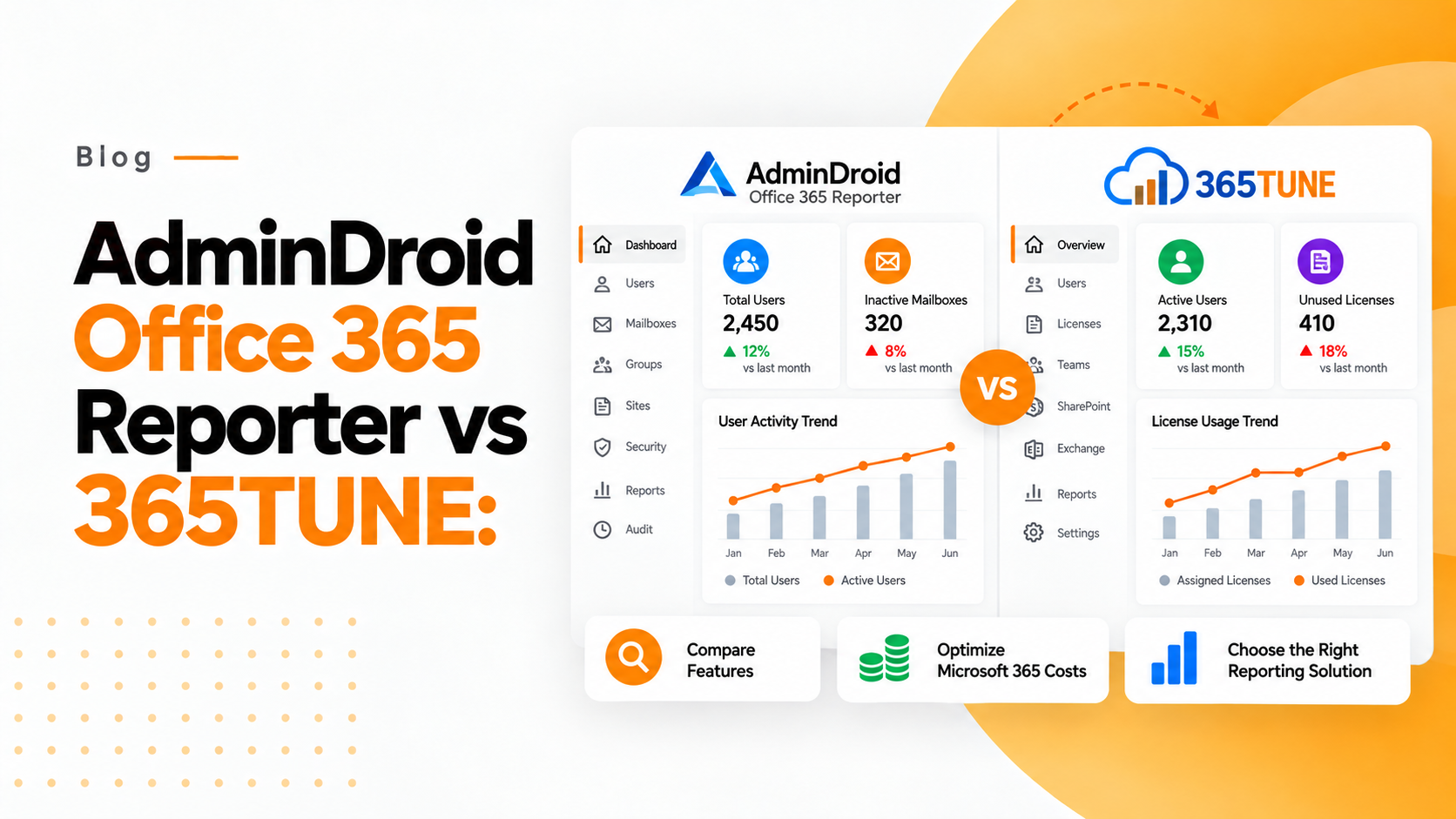
That’s the main difference between AdminDroid Office 365 Reporter and 365TUNE.
While 365TUNE takes a broader approach, looking at this problem as an issue of optimization, AdminDroid Office 365 Reporter incorporates MS 365 reporting into the overall framework of cost optimization, license effectiveness, visibility around finances, security, governance, and compliance.
AdminDroid Office 365 Reporter vs 365TUNE
| Capability | AdminDroid Office 365 Reporter | 365TUNE |
|---|---|---|
| Microsoft 365 reporting | Extensive | Extensive and optimization-focused |
| Auditing | Strong | Available with governance and audit capabilities |
| Microsoft 365 administration | Strong | Focused on optimization and governance |
| User and license visibility | Strong | Strong with financial context |
| License waste identification | Primarily through reporting and usage analysis | Core optimization capability |
| Financial reporting | Not the primary focus | Core capability |
| Cost attribution | Limited compared with financial-first platforms | Designed for cost visibility and attribution |
| Security and governance | Strong | Core capability |
| IT and Finance collaboration | Primarily IT-focused | Designed for IT, Finance, leaders, and MSPs |
| MSP use cases | Strong | Strong multi-tenant optimization focus |
| Business impact of Microsoft 365 usage | Requires additional analysis | Directly connected to cost and optimization |
What Is AdminDroid Office 365 Reporter?
AdminDroid is designed for businesses needing a better view of their Microsoft 365 environment.
AdminDroid can report and audit Microsoft Entra ID, Exchange Online, Teams, SharePoint, OneDrive, security, compliance, user activity, licensing, and administrative activity.
The service currently offers over 1,500 pre-built reports, and the release notes confirm some ongoing growth in Teams, Entra, reporting of email engagements, security and compliance audits, and external users’ management.
The service’s depth is advantageous for administrators of Microsoft 365.
If, for example, the IT team has received requests for discovering inactive users, investigating some settings, checking Teams membership, monitoring external users, or checking any kind of activity performed in Microsoft 365, an extensive list of predefined reports can save time on queries performed manually or via PowerShell.
This is what makes AdminDroid powerful.
AdminDroid has more than reporting features and includes management and automation features like alerts, reminders, delegation, or admin actions.
If your organization often faces requests regarding Microsoft 365 data, the service represents a great benefit.
When Reporting Isn’t Enough
Imagine there is a company that has 500 Microsoft 365 users. While evaluating the usage, the IT department finds out that out of the 500 users, 30 users are not active and have paid licenses. The tech report has done its job of identifying the inactive accounts. However, this is unlikely to satisfy the CFO.
The next likely question would be, “What are the costs associated with the licenses?”
Let’s say the average effective cost of each license is ₹1,500 per user per month. The 30 inactive licenses will amount to ₹45,000 in monthly costs.
This translates to:
₹45,000 x 12 = ₹5,40,000 for the year.
The key takeaway is not that there are 30 inactive accounts but that there is an annualized licensing exposure of ₹5.4 lakh for the accounts.
This differentiates between simply a report and a report with financial intelligence.
Where 365TUNE Takes a Different Approach
In 365TUNE, there is a complete integration of the second layer of Microsoft 365 intelligence.
The present positioning of the tool focuses on providing assistance to companies and MSPs in uncovering waste in Microsoft 365, as well as governing usage and enhancing compliance. Besides, the tool provides financial reporting, which brings expenses related to Microsoft 365 to be compared to money rather than just by users.
Why does it matter? Because the issue of Microsoft 365 licenses is becoming a business and finance issue.
Think of an organization that spends ₹30 lakh per year on Microsoft 365 subscriptions.
In case the unnecessary expenditures account for only 10% of the sum, it comes up to ₹3 lakh annually.
In the case of a larger company, which spends ₹1 crore annually, the 10% accounts for ₹10 lakh.
Thus, license optimization turns into not only a trivial administrative activity, but a part of SaaS financial management.
The financial reporting features of 365TUNE are specifically meant to deliver insight on total expenditure on Microsoft 365, cost per user, trends in spending, attribution of costs, and financial implications of idle or overprovisioned licenses.
This shifts the narrative of the discussion between IT and Finance.
Instead of IT saying, “There are 40 users who have not been active,” they can say, “40 licenses are costing approximately ₹X in total expenditure.”
That is significantly more actionable business information.
Why Microsoft 365 Cost Optimization Is Becoming More Important
The Microsoft 365 arena is getting bigger too.
As artificial intelligence demonstrates, the company has revealed that its Copilot suite has surpassed 100 million users per month, with 365 Copilot steadily gaining acceptance.
The company has also reported that Barclays is going to introduce Microsoft 365 Copilot to 100,000 users after giving it to 15,000 users,
As companies multiply premium features, AI tools, security software, and extra subscriptions to Microsoft 365, license management is becoming virtually impossible.
The issue is not just the existence of licenses.
Companies need to check whether those licenses are allocated correctly, used effectively, economically justified, and commensurate with the employee’s actual needs – and that is the time when the need for continuous optimization mentioned by 365TUNE comes into play.
“Financial planning goes far beyond usage charts.”
This statement is particularly true in the case of Microsoft 365 becoming a significant recurrent cost.
AdminDroid vs 365TUNE for IT Teams
AdminDroid is truly beneficial for IT admins engaged in Microsoft 365 management given its reporting capacities. When it comes to any audit details with respect to user activity, Teams, Entra reports, SharePoint, or operational reporting – AdminDroid offers broad reporting capabilities. For instance, its August 2026 release notes state that certain additional reporting options regarding Entra data, email analytics, security and compliance audit, Teams, Stream, and external users are available.
365TUNE relates to cases when the IT department requires moving from visibility to optimization. The product is aimed not only at reporting that the license is assigned to a user but at showing whether it incurs the costs of a wasted license or fails to make full use of the license acquired, and where the optimization potential lies.
This is especially important for businesses where IT and Finance work together in Microsoft 365 expenditure management.
AdminDroid vs 365TUNE for Finance Teams
Finance teams don’t typically require an additional technical dashboard cluttered with various audit events.
What they actually need are answers to questions such as:
How much are we spending?
Which department uses the most licenses?
Where are we seeing an increase in Microsoft 365 expenses?
How much can we save before renewal?
What licenses have not been used at all and/or are over-provisioned?
Here is where the financial report layer will make the data from Microsoft 365 very valuable.
Specifically, 365TUNE aims its solution towards the Finance and FinOps team, covering aspects such as cost allocation, visibility by departments or cost centers, license utilization, and reports based on renewals.
For example, if the organization spends ₹60 lacs annually on Microsoft 365 and finds out that ₹4 lacs worth of license expenses can be avoided before the renewal, this amount can be directly fed into the budgeting discussion.
So the value is not only technical but also financial.
What About MSPs?
The meaning of this distinction also extends to Managed Service Providers (MSPs).
A Managed Service Provider (MSP) that deals with various tenants of Microsoft 365 is not only after operational visibility but also needs to ensure that they offer measurable business advantages to their clients.
AdminDroid offers multi-tenant report generation that is beneficial for MSPs that expect central reporting and visibility for administration. New releases of AdminDroid specifically mention bird’s-eye report generation for MSPs, cloud service providers, and Microsoft partners managing multiple tenants.
365TUNE looks at Managed Service Providers (MSPs) from a different perspective, which is the central view of information regarding license waste, governance risks, usage trends, and financial opportunities across the environments of customers. This resource today offers MSP partners a centralized dashboard and financial/compliance reports.
This allows Managed Service Providers (MSPs) to change their conversation with clients from simply providing Microsoft 365 services to demonstrating measurable optimization.
So, Which One Should You Choose?
The two systems, AdminDroid Office 365 Reporter and 365TUNE, are not to be seen as similar systems that compete with one another single-handedly.
Both systems fulfill overlapping Microsoft 365 reporting requirements; however, with a slightly different target.
AdminDroid is especially useful for organizations that need profound reporting, auditing, administration, and operational visibility within Microsoft 365.
365TUNE is especially helpful for those companies that want to turn Microsoft 365 data into cost optimization, financial intelligence, security, governance, or business decision-making initiatives.
The simplest way to think about the difference is as follows: AdminDroid tells you what happens in Microsoft 365 in terms of action, while 365TUNE tells you what it means for your costs, governance, and business performance.
For small Microsoft 365 environments, comprehensive reports could be enough.
Nevertheless, with growth in Microsoft 365 spending, organizations need better visibility in finances. According to 365TUNE, organizations with spending in Microsoft 365 of more than ₹10-15 lakh annually, multiple departments or geographies, unpredictable licensing forecasts, and considerable Excel-based manual financial analysis demand additional reporting capabilities.
Thus, the best reporting platform for Microsoft 365 doesn’t have to be the one that produces the most reports.
It is the platform that allows organizations to act.
365TUNE provides a more effective approach for organizations looking for more than excessive reporting in Microsoft 365 and focusing on financial visibility, security, and governance.
In situations where Microsoft 365 is an important periodic investment, knowing what your company has is only the beginning. The real value comes from knowing what to keep, what to change, and what to save.