
Introduction
Here’s a statistic that should concern every MSP without a good GDAP aware Microsoft 365 Management platform: the average organization wastes 30% of its Microsoft 365 license spend on unused or underutilized subscriptions. For your clients, that’s tens of thousands of dollars annually vanishing into the cloud.
Now add GDAP (Granular Delegated Admin Privileges) to the equation—Microsoft’s security-focused replacement for legacy DAP permissions—and you’re facing a management challenge that PowerShell scripts and fragmented Power BI dashboards simply can’t solve efficiently.
This article reveals how GDAP-aware Microsoft 365 management tools specifically built for MSPs can help you:
- Eliminate license waste across your entire client portfolio
- Maintain security compliance while managing multiple tenants
- Generate financial insights that justify your value to clients
- Reduce administrative overhead by 60% or more
- Transform license optimization from a monthly headache into an automated revenue opportunity
Let’s explore why traditional approaches fall short and what a purpose-built GDAP Microsoft 365 tool for MSPs actually delivers.
Why MSPs Need GDAP-Aware Management Tools Now
The shift from Delegated Admin Privileges (DAP) to GDAP isn’t just another Microsoft update—it’s a fundamental change in how MSPs access and manage client tenants. Traditional DAP granted overly broad permissions, creating security vulnerabilities that made both you and your clients targets for compliance audits and security breaches.
GDAP changes everything. Microsoft’s research shows that 80% of security incidents involving MSPs stem from overprivileged access. GDAP addresses this by requiring specific, time-limited role assignments rather than blanket admin access. But here’s the challenge: managing granular permissions across dozens or hundreds of client tenants manually is nearly impossible.
According to a 2024 Forrester study, MSPs spend an average of 4.5 hours per client per month just on license management and reporting. Multiply that by your client count, and you’re looking at full-time staff dedicated solely to tracking Microsoft 365 subscriptions—staff who could be solving higher-value problems.
This is where GDAP aware Microsoft 365 tools become essential infrastructure, not optional add-ons. A proper GDAP-enabled management platform doesn’t just adapt to Microsoft’s new security model—it leverages GDAP to deliver insights and automation that were impossible under the old DAP framework.
What Makes a Microsoft 365 Tool Truly “GDAP-Aware”?
Not all management tools claiming GDAP compatibility actually understand what MSPs need. Here’s what genuine GDAP awareness looks like:
Automated Security Role Management
A truly GDAP-aware platform automatically maps the minimum required permissions for each management function. Need to generate license reports? The tool requests only the “License Administrator” role for the specific duration needed—not permanent Global Admin access. This isn’t just security theater; it’s documented audit compliance that satisfies SOC 2 and ISO 27001 requirements.
Multi-Tenant License Visibility
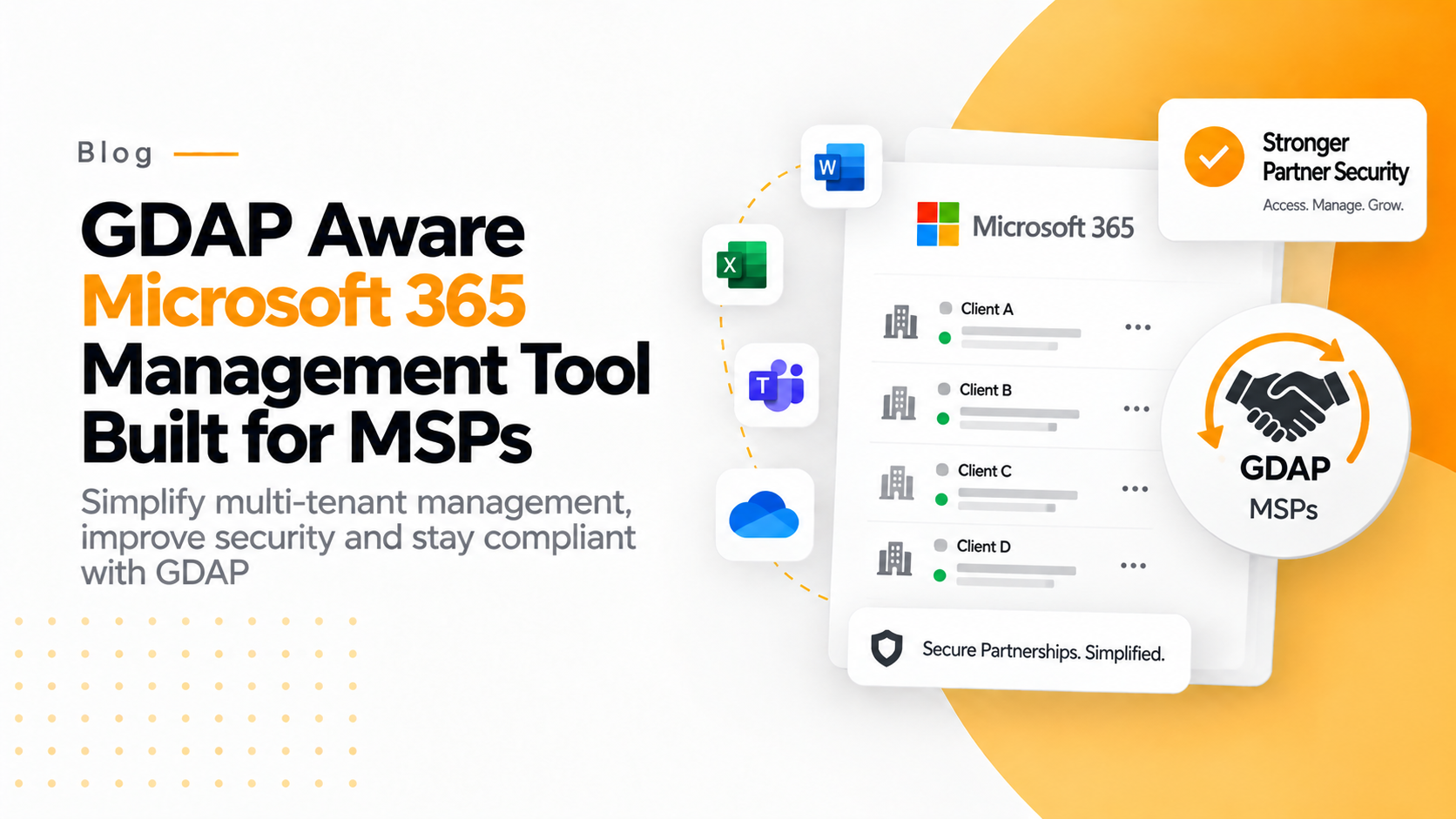
Your MSP likely manages anywhere from 10 to 500+ Microsoft 365 tenants. A GDAP Microsoft 365 management tool consolidates license data across all these tenants into a single dashboard, while respecting each tenant’s unique GDAP relationship. You see which clients are bleeding money on unused E5 licenses and which are one audit away from non-compliance—all without switching between portals or running PowerShell scripts for each tenant.
Real-world impact: One 50-client MSP discovered they were managing 847 inactive Business Premium licenses across their portfolio. At $22/license/month, that’s over $223,000 in annual waste they could now identify and eliminate.
Financial Intelligence, Not Just License Counts
Here’s where most tools fail: they show you license quantities but not financial impact. A GDAP-aware Microsoft 365 tool for MSPs translates technical data into business intelligence:
- Cost allocation by department, user group, or project
- Trend analysis showing license consumption patterns over time
- ROI calculations that demonstrate your optimization value
- Forecasting models that predict future licensing needs
This transforms you from “IT vendor” to “strategic financial advisor” in your clients’ eyes.
Seamless Onboarding with GDAP Consent Flow
Traditional tools required complex manual setup for each client tenant—Service principals, app registrations, permission grants, and certificate management. Modern GDAP-aware platforms handle this through guided consent flows that establish proper GDAP relationships in minutes, not hours. Your technicians click through a secure authorization process, and the platform automatically configures appropriate access levels.
How GDAP-Aware Tools Solve Real MSP Challenges
Let’s examine specific scenarios where GDAP aware Microsoft 365 tools deliver measurable value:
License Optimization Across Your Portfolio
The challenge: You manage 75 clients with Microsoft 365 subscriptions. Each client has a mix of E3, E5, Business Basic, and specialty licenses. Some departments within clients are over-licensed (paying for E5 when they need E3), while others are under-licensed (sharing accounts to save money, creating compliance risks).
The GDAP solution: Your management tool aggregates license data across all 75 tenants, then applies usage analytics to identify optimization opportunities:
- Users with E5 licenses who never use advanced features (Power BI Pro, Audio Conferencing, Advanced Threat Protection)
- Inactive licenses consuming budget for 90+ days
- SharePoint storage overages that could be optimized
- Teams Phone licenses assigned to users who don’t make calls
The tool generates client-specific reports showing exactly which licenses to downgrade, remove, or redistribute—with projected annual savings. This transforms license management from a cost center into a revenue-generating consulting service.
Security and Compliance Reporting
Your clients ask about compliance constantly: “Are we SOC 2 ready? What about GDPR? How do we handle data residency?”
A GDAP Microsoft 365 management tool provides compliance-ready reports showing:
- Admin activity logs across all tenants (who accessed what, when)
- License assignments and changes (audit trail for compliance reviews)
- GDAP permission grants and their expiration dates
- Data residency verification for geographic compliance
You deliver these reports in minutes, not hours of manual compilation. When your client’s auditor asks for documentation, you provide professional reports that demonstrate proper access controls and license compliance.
Client Business Reviews That Win Renewals
Every MSP knows that quarterly business reviews (QBRs) either strengthen client relationships or expose you to competitor poaching. When you walk into a QBR with generic “everything’s running fine” updates, you’re vulnerable.
A GDAP-aware platform transforms QBRs into strategic conversations:
- “We identified $18,400 in annual license waste and eliminated it—here’s your cost trend over the past year”
- “Your Microsoft 365 spend increased 23%, but we optimized it to only 8% growth while supporting 30% more users”
- “Here’s your department-by-department license allocation showing which teams are growing and which are over-budgeted”
These insights prove your value quantitatively. Clients don’t question your fees when you’ve documented six figures in savings.
Proactive Issue Detection
Reactive MSPs respond to tickets. Strategic MSPs prevent tickets from arising.
Your GDAP tool monitors across all client tenants for:
- Licenses nearing expiration (preventing service disruptions)
- Unusual license assignment patterns (potential security issues)
- Storage quota warnings (before users can’t save files)
- Sudden usage spikes (indicating potential problems or growth needs)
You contact clients proactively: “We noticed your SharePoint storage is at 87% capacity. We can add storage or implement an archival policy. Which works better for your budget?” This positions you as the proactive partner, not the reactive vendor.
Why “Easy Setup” Actually Matters for MSPs
Your time is your most valuable asset. Every hour spent configuring tools is an hour not spent serving clients or winning new business.
Traditional Microsoft 365 management solutions require:
- Azure AD app registrations for each client tenant
- Manual service principal creation
- Certificate generation and management
- API permission configurations
- Power BI workspace setup
- Data source connections
For one tenant, this might take 45-90 minutes for an experienced technician. Multiply by 50 clients and you’ve invested 37-75 hours in setup alone—before analyzing a single license.
A purpose-built GDAP Microsoft 365 tool for MSPs changes this equation:
- Client authorization: Your client clicks a secure consent link and approves access (2-3 minutes)
- Automatic configuration: The platform establishes GDAP relationships and begins data collection automatically
- Instant insights: Within 24 hours, complete license and usage analytics are available
Setup time per tenant: under 5 minutes. For 50 clients, that’s about 4 hours versus 40-75 hours with manual approaches.
That’s not just time savings—it’s the difference between a solution you actually implement versus one that languishes on your roadmap forever.
Conclusion: Transform License Management Into a Profit Center
The Microsoft 365 management landscape has fundamentally changed with GDAP implementation. MSPs can no longer rely on broad permissions and manual processes—both for security reasons and competitive necessity.
Here’s what we’ve established:
- License waste costs your clients 30% of their Microsoft 365 budget—money you can help them recover
- GDAP requires granular permission management that manual approaches can’t scale across dozens of tenants
- PowerShell and Power BI solutions create technical debt and ongoing maintenance burdens
- Purpose-built GDAP aware Microsoft 365 tools deliver immediate value with minimal setup time
The strategic opportunity here extends beyond operational efficiency. When you implement a proper GDAP Microsoft 365 management tool for MSPs, you transform your relationship with clients from tactical support to strategic advisory. You arrive at business reviews with quantified value demonstrating exactly how much money you’ve saved them and which growth investments make sense based on their usage patterns.
Ready to see how a GDAP-aware platform actually works? Explore how 365TUNE delivers comprehensive Microsoft 365 visibility and optimization for MSPs—with setup measured in minutes, not hours.
Or start your free trial today and audit your first client tenant to discover hidden license waste and security gaps.